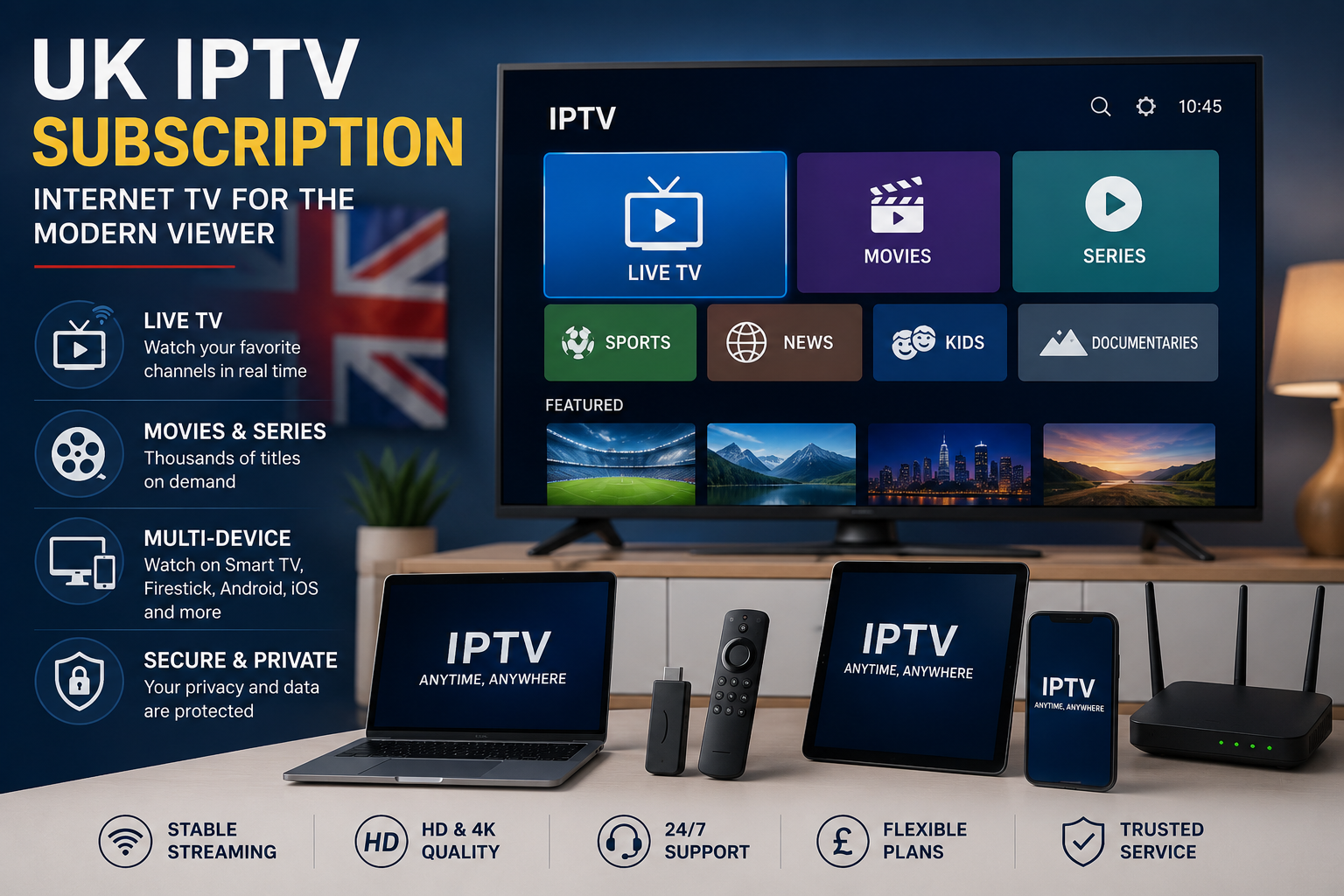
Television viewing has changed significantly as internet-connected devices have become part of everyday life. An UK IPTV subscription is one option available to viewers who prefer accessing television and on-demand content through an internet connection.
However, choosing an IPTV service should not be based on a single feature or an attractive headline. The quality of the experience can depend on the content available, the device being used, the internet connection, subscription conditions, and the way the provider handles its content.
This guide explains the main points UK viewers should understand before choosing an IPTV subscription.
IPTV Explained in Simple Terms
IPTV stands for Internet Protocol Television.
Instead of receiving television content through a traditional broadcast, satellite, or cable system, IPTV delivers compatible content through an internet-based connection.
Depending on the service, viewers may have access to different types of programming, such as:
- Live television
- Movies
- TV series
- News
- Sports
- Entertainment
- Documentaries
- On-demand programming
The important distinction is that IPTV refers to the delivery method. It does not automatically indicate whether a particular provider has the necessary rights to distribute the content it offers.
For more information about television regulation and internet-based services in the UK, visit Ofcom.
Why Are More Viewers Interested in IPTV?
One reason internet-based television is attractive is flexibility.
A compatible service can potentially be accessed across different devices instead of being limited to a single television setup.
Depending on the provider and application, viewers may use:
- Smart TVs
- Streaming devices
- Tablets
- Smartphones
- Computers
This flexibility can make IPTV suitable for households that use multiple screens.
The First Thing to Check: Your Device
Before choosing a subscription, start with your own equipment.
There is little value in selecting a service if its application does not work with your television or preferred streaming device.
Common platforms can include:
- Samsung Smart TV
- LG Smart TV
- Android TV
- Google TV
- Amazon Fire TV
- Apple TV
Compatibility can differ between models, operating systems, and applications.
If you use a Smart TV, our IPTV for Smart TV UK guide provides additional information about compatibility and setup.
Think About the Way You Watch TV
Not every viewer has the same requirements.
For example, one household might primarily watch live television, while another might be more interested in movies and on-demand programming.
Before choosing an UK IPTV subscription, make a simple list of the content categories that matter most to you.
You might prioritize:
Live TV: for regular television programming.
Sports: for live sporting events and related programming.
Movies: for film-focused viewing.
Series: for episodic entertainment.
News: for live and on-demand news content.
On-demand: for viewers who prefer choosing content rather than following a fixed schedule.
This makes comparing services much easier.
Streaming Quality Depends on More Than IPTV
A common misconception is that the service alone determines picture quality.
In reality, several components work together.
Your experience can depend on:
- Internet speed
- Wi-Fi quality
- Router performance
- Streaming device
- Television
- Video resolution
- Source quality
- Network congestion
For example, having a 4K television does not mean every program will automatically appear in 4K.
The content itself needs to be available in the appropriate resolution, and the rest of the setup needs to support it.
What About 4K IPTV?
4K can provide significantly more detail than standard high-definition video when the complete setup supports it.
If 4K matters to you, check:
- Whether the content is actually available in 4K
- Whether your TV supports 4K
- Whether your streaming device supports it
- Whether the application supports the required resolution
- Whether your internet connection is stable
It is better to verify these details than to rely solely on a “4K” label in an advertisement.
Internet Connection: An Often-Overlooked Factor
Your internet connection plays an important role in streaming.
Problems such as buffering or quality drops can sometimes be related to the home network rather than the television service itself.
Several factors can affect performance:
- Weak Wi-Fi signal
- Too many connected devices
- Network congestion
- Older routers
- Background downloads
- Distance from the router
For additional information, see our Internet Speed for IPTV guide.
Understanding Subscription Plans
Before committing to a subscription, read the terms carefully.
Length of the Plan
Check whether the subscription lasts for one month, several months, a year, or another period.
Renewal
Find out whether the plan renews automatically and what happens when the subscription expires.
Cancellation
Understand the process required to cancel.
Refund Policy
Read the refund conditions before making a payment.
Device Restrictions
Some providers may have rules concerning supported or simultaneous devices.
These details can make a significant difference when comparing different options.
Price Is Only One Part of the Comparison
A lower price does not necessarily represent better value.
Instead of asking only “How much does it cost?”, consider the entire package.
| Area | Question to Ask |
|---|---|
| Content | Does it include what I actually watch? |
| Devices | Does it work with my equipment? |
| Quality | Does it support the resolution I need? |
| Reliability | Is the service suitable for my connection? |
| Terms | Are renewal and cancellation clear? |
| Support | Is assistance available? |
| Privacy | Is personal information handled clearly? |
| Rights | Is the content properly authorized? |
For another perspective on comparing IPTV options in Britain, see our Best IPTV UK guide.
Customer Support Can Make a Difference
Technical questions can arise when setting up an application or changing devices.
Before choosing a provider, look for clear information about customer support.
Useful signs include:
- A visible contact method
- Setup instructions
- Troubleshooting information
- Account assistance
- Clear response expectations
This is particularly useful for viewers who are setting up IPTV on a new Smart TV or streaming device.
Privacy and Online Payments
Creating an IPTV account may involve providing personal and payment information.
Before signing up, review the provider’s privacy information and understand how your data is handled.
When making an online payment:
- Verify that you are using the official website.
- Check the payment page carefully.
- Use an established payment method.
- Review the transaction details before confirming payment.
An Important Question: Is the Content Authorized?
The technology itself is not the only consideration.
A provider can use IPTV technology while still needing appropriate rights to distribute particular television programs, movies, sports events, or other copyrighted material.
For UK viewers, it is therefore sensible to research the provider and look for transparent information about its content rights.
GOV.UK provides information concerning illicit streaming devices and unauthorized access to copyrighted content: GOV.UK – Illicit Streaming Devices.
IPTV Compared With Traditional Television
IPTV and traditional television differ primarily in how content reaches the viewer.
| IPTV | Traditional Television |
|---|---|
| Uses an internet connection | Can use broadcast, satellite, or cable |
| Often supports multiple compatible devices | Usually tied to a particular service setup |
| Can offer on-demand functionality | On-demand depends on the provider |
| Requires suitable internet access | Requirements depend on the technology |
Neither approach is universally better. The appropriate choice depends on the household and viewing habits.
A Quick Checklist Before Choosing
Before selecting an IPTV subscription in the UK, run through this checklist:
✓ Check your TV or streaming device.
✓ Identify the content you actually want.
✓ Verify HD or 4K availability.
✓ Check your internet connection.
✓ Read the complete subscription terms.
✓ Check cancellation and refund conditions.
✓ Review customer support options.
✓ Read the privacy information.
✓ Research the provider’s content authorization.
This simple process can prevent many common problems.
Frequently Asked Questions
Can IPTV be watched on a Smart TV?
Yes, compatible IPTV applications can be used on supported Smart TVs. Compatibility depends on the television model, operating system, application, and provider.
Does IPTV require fast internet?
A stable internet connection is important, particularly for higher-resolution video and multiple simultaneous streams.
Does every IPTV service offer 4K?
No. 4K availability depends on the provider, content source, application, device, and subscription.
Is IPTV the same as cable television?
No. IPTV delivers content through IP networks, while traditional cable television uses a cable-based distribution system.
Should I check the subscription terms?
Yes. Pay particular attention to duration, renewal, cancellation, refunds, and device restrictions.
How can I evaluate an IPTV provider?
Compare content, device compatibility, streaming quality, pricing, support, privacy, subscription terms, and content authorization rather than relying on one feature.
For a more detailed provider-focused guide, you can also read Best IPTV Provider UK.
Final Thoughts
An UK IPTV subscription can be a flexible way to access internet-based television and on-demand content, but choosing an appropriate service requires more than comparing prices or channel numbers.
Start with your own viewing requirements, then check device compatibility, content availability, streaming quality, internet performance, subscription conditions, privacy, customer support, and content authorization.
Taking a few minutes to compare these factors can help you make a more informed decision.
For more IPTV guides, Smart TV information, and streaming resources, visit Digitalwebb01.