
A reliable internet connection is one of the most important parts of a smooth IPTV streaming experience. Whether you are watching television through a Smart TV, streaming device, smartphone, or computer, the quality of your connection can affect buffering, picture quality, and playback stability.
In the UK, internet-based television is becoming increasingly important as more viewers use connected TVs and IP-based services. Ofcom describes IPTV as television channels delivered through the internet to Smart TVs and other connected devices.
But how much internet speed do you actually need for IPTV? Is download speed the only thing that matters? And what can you do if your stream keeps buffering?
This guide explains the main factors to consider.
What Internet Speed Does IPTV Need?
There is no single internet-speed requirement that applies to every IPTV service.
The amount of bandwidth you need depends on factors such as:
- Video resolution
- Number of simultaneous streams
- Other devices using your connection
- Network stability
- Wi-Fi performance
- Streaming application
- Service infrastructure
Ofcom currently describes 10 Mbps as the UK’s statutory “decent broadband” baseline, while more demanding household use can require considerably more capacity.
For IPTV specifically, recent UK government material notes that 30 Mbps is considered a sensible level for reliable IPTV use, while also emphasizing that actual requirements depend on household usage and network conditions.
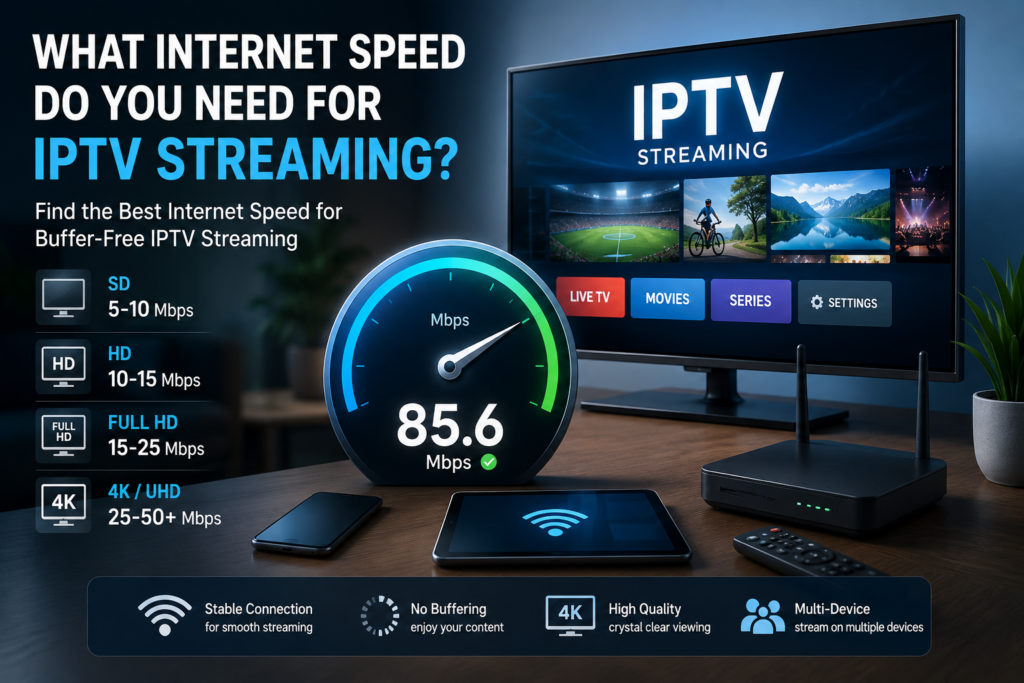
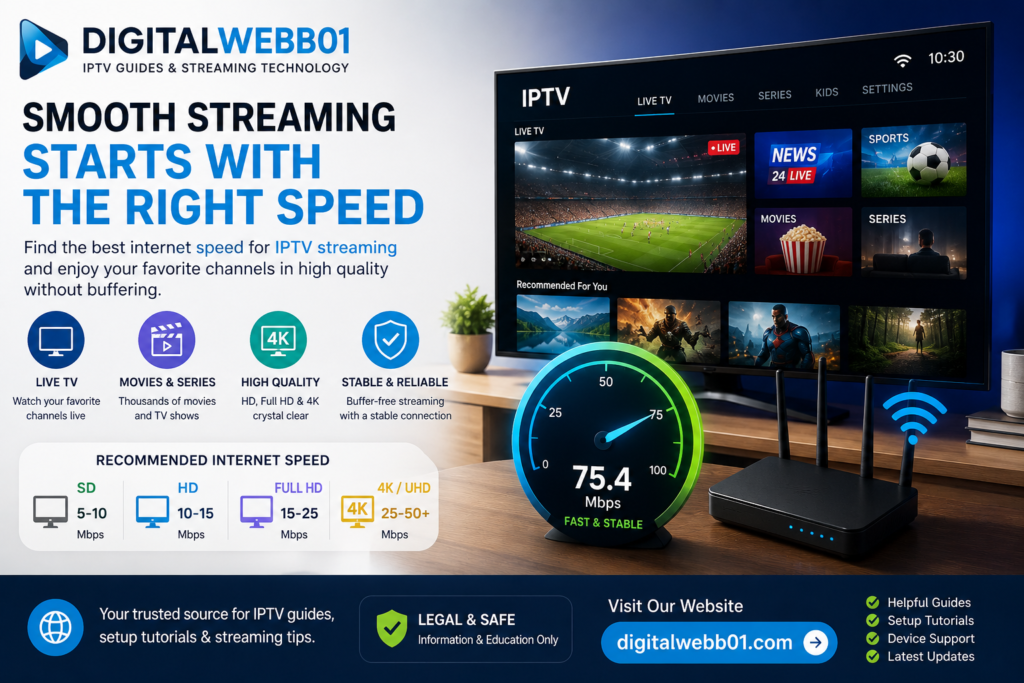
Recommended Internet Speeds for Different Streaming Qualities
The following should be treated as practical guidelines rather than universal requirements:
| Streaming quality | Suggested connection |
|---|---|
| Standard Definition | 5–10 Mbps |
| HD | 10–15 Mbps |
| Full HD | 15–25 Mbps |
| 4K / UHD | 25–50+ Mbps |
Your actual requirements can vary depending on the service and how many other devices are using the connection.
For example, a household watching IPTV while another person is gaming, making video calls, or downloading large files may need considerably more bandwidth than a single-user household.
Is 10 Mbps Enough for IPTV?
A 10 Mbps connection can be sufficient for basic streaming in some circumstances.
However, it may become limited when multiple people are using the same broadband connection.
Ofcom notes that a 10 Mbps connection can be sufficient for standard internet use and a single HD stream, but multiple users can quickly place additional demands on the connection.
Therefore, simply asking whether “10 Mbps is enough” doesn’t tell the whole story.
The number of connected devices and the type of activities happening at the same time are equally important.
Is 30 Mbps Enough for IPTV?
For many households, 30 Mbps provides a much more comfortable starting point for internet-based television.
Recent UK government material discussing the future of TV distribution identifies 30 Mbps as a sensible broadband level for reliable IPTV services.
However, 30 Mbps does not mean that every household will have exactly the same streaming experience.
For example, consider a home where:
- One person is watching HD television.
- Another person is playing an online game.
- Someone else is using a video call.
- Several smartphones are connected to Wi-Fi.
The household may need more capacity than a single IPTV stream would require.
What About 4K IPTV Streaming?
4K video requires more bandwidth than standard or HD video because significantly more data needs to be delivered and processed.
A stable connection is therefore particularly important when watching UHD content.
Recent UK government material on the future of IPTV notes that major streaming providers commonly recommend higher minimum speeds for UHD or 4K content and highlights the relationship between broadband speed, resolution, and streaming stability.
If you have a 4K television, remember that your internet speed is only one part of the equation.
You also need:
- A 4K-capable television
- A compatible streaming device
- A 4K-capable application
- A 4K source
- Appropriate network performance
A 4K display cannot turn lower-resolution content into genuine native 4K content.
Download Speed vs Upload Speed
When watching IPTV, download speed is generally more important than upload speed because video content is being downloaded from the streaming service to your device.
However, upload speed can still matter for households that use cloud services, video calls, live broadcasting, or other upload-intensive activities at the same time.
For ordinary IPTV viewing, focus primarily on the quality and stability of your download connection.
Why Can IPTV Buffer Even With Fast Internet?
Having a fast broadband package does not automatically eliminate buffering.
There are several possible causes.
Weak Wi-Fi Signal
Your broadband connection may be fast, but the Wi-Fi signal reaching your television could be weak.
The distance between the router and device, walls, interference, and the number of connected devices can all affect wireless performance.
Network Congestion
If several people are using the same connection simultaneously, available bandwidth can be shared between multiple activities.
Router Performance
An older or poorly positioned router can contribute to connection problems.
Streaming Service Issues
Sometimes the problem is not your internet connection at all.
A service can experience temporary technical problems or increased demand that affects playback.
Device Performance
Older Smart TVs, streaming devices, or applications may struggle with certain video formats.
Wi-Fi vs Ethernet for IPTV
For a stationary television or streaming device, an Ethernet connection can provide a more consistent network connection than Wi-Fi.
This can be particularly useful when the router is close enough to the television for a practical wired connection.
Wi-Fi can still work very well, especially with modern routers and good signal strength.
Ofcom notes that actual broadband performance can be affected by factors including in-home network performance and the number of devices accessing online services simultaneously.
How Many Devices Can Use IPTV at the Same Time?
There is no universal number because the answer depends on the bandwidth available and what each device is doing.
For example, a household with a 100 Mbps connection may have plenty of capacity for several normal activities, while another household could experience problems if multiple devices are simultaneously performing demanding tasks.
You should consider your total household internet usage, rather than looking only at the IPTV device.
How to Improve Your IPTV Streaming Experience
If you experience buffering or poor playback, try these steps:
Move Your Router
Position your router in a more central and open location when possible.
Reduce Wi-Fi Interference
Keep the router away from devices or objects that can interfere with the wireless signal.
Use Ethernet
If practical, connect your Smart TV or streaming device directly to the router.
Reduce Other Network Activity
Pause large downloads, cloud backups, or other bandwidth-intensive activities while watching high-resolution video.
Restart Your Network Equipment
Restarting your router and streaming device can sometimes resolve temporary connection problems.
Check Your Actual Speed
Run a reputable internet speed test on the device or network you are using.
Remember that the speed measured on one device may not be identical to the performance experienced by another device in the home.
How to Test Your Internet Speed
You can use a reputable broadband speed-testing service to check your connection.
When testing, consider:
- Download speed
- Upload speed
- Latency
- Connection stability
For a more realistic result, test close to the device you normally use for streaming.
You can also compare Wi-Fi performance with an Ethernet connection if your device supports it.
UK Broadband Availability
Internet availability varies between locations across the UK.
Ofcom provides a broadband checker that allows users to check predicted broadband availability for a particular postcode. The checker distinguishes between standard, superfast, and ultrafast broadband categories.
This can be useful if you’re considering upgrading your broadband connection.
Ofcom currently defines:
- Standard broadband: below 30 Mbps
- Superfast broadband: 30–300 Mbps
- Ultrafast broadband: above 300 Mbps
These categories describe broadband performance rather than a guarantee of IPTV quality.
IPTV and Smart TVs
Smart TVs are one of the most convenient ways to access internet-delivered television.
To understand how IPTV differs from conventional television, see our guide to IPTV vs Traditional TV
If you’re setting up IPTV on a compatible device, you can visit our IPTV Setup Guide for additional information.
The setup process can vary depending on your television, operating system, application, and service.
IPTV on Mobile Devices
IPTV-related applications can also be available on smartphones and tablets, depending on the service and application.
If you use an iPhone, you can also explore our IPTV on iPhone guide for additional information.
Mobile streaming can consume significant amounts of data, particularly when watching high-resolution video over a mobile connection.
Internet Speed Isn’t Everything
It is tempting to assume that buying the fastest broadband package will automatically solve every streaming problem.
That’s not necessarily the case.
A reliable IPTV experience depends on the entire connection between the content source and your television.
This includes:
- Service infrastructure
- Internet connection
- Router
- Wi-Fi or Ethernet
- Device
- Application
- Video source
UK government research into the future of TV distribution specifically identifies the end-to-end network, home broadband, Wi-Fi, device performance, and other components as factors affecting IPTV reliability and quality.
What Internet Speed Should You Choose?
For a single-user household, a moderate broadband connection may be enough for normal HD streaming.
For families with several connected devices, a 30 Mbps or faster connection provides a more comfortable starting point for IPTV and other online activities.
If you regularly watch 4K content while several other devices are active, a substantially faster connection may be appropriate.
The key is to consider your whole household’s usage, not IPTV alone.
Final Thoughts
So, what internet speed do you need for IPTV streaming?
There isn’t one universal answer.
For basic streaming, lower speeds can sometimes be sufficient. However, HD, Full HD, and especially 4K streaming can require more bandwidth, while multiple users and devices can increase the demand on your connection.
For UK households, 30 Mbps is a useful practical benchmark for reliable IPTV, but your ideal broadband speed depends on your household size, number of connected devices, streaming resolution, and other internet activities.
If you’re experiencing buffering, don’t immediately assume that you need a faster broadband package. Check your Wi-Fi signal, router, device, network activity, and the streaming service itself.
A stable and well-configured home network can be just as important as the headline download speed.