If you are searching for an IPTV Smarters Pro subscription, there is an important distinction to understand before choosing a service.
Smarters Pro is a media player designed to organize and play compatible content from a user’s own legally obtained sources. It is not itself an IPTV provider and does not sell television channels or IPTV subscriptions. The official Smarters Pro website states that the application does not provide, host, sell, or distribute media content or streaming services.
This means that when people search for an IPTV Smarters Pro subscription, they are often looking for an IPTV service that can be used with a compatible media player.
In this guide, we explain what Smarters Pro is, how it relates to IPTV subscriptions, supported devices, streaming quality, and what you should consider before choosing an IPTV service.
What Is an IPTV Smarters Pro Subscription?
The term IPTV Smarters Pro subscription can be misleading because it combines two different things: a media player and an IPTV service.
Smarters Pro is the application used to play compatible media streams and playlists. A separate provider is responsible for supplying the content.
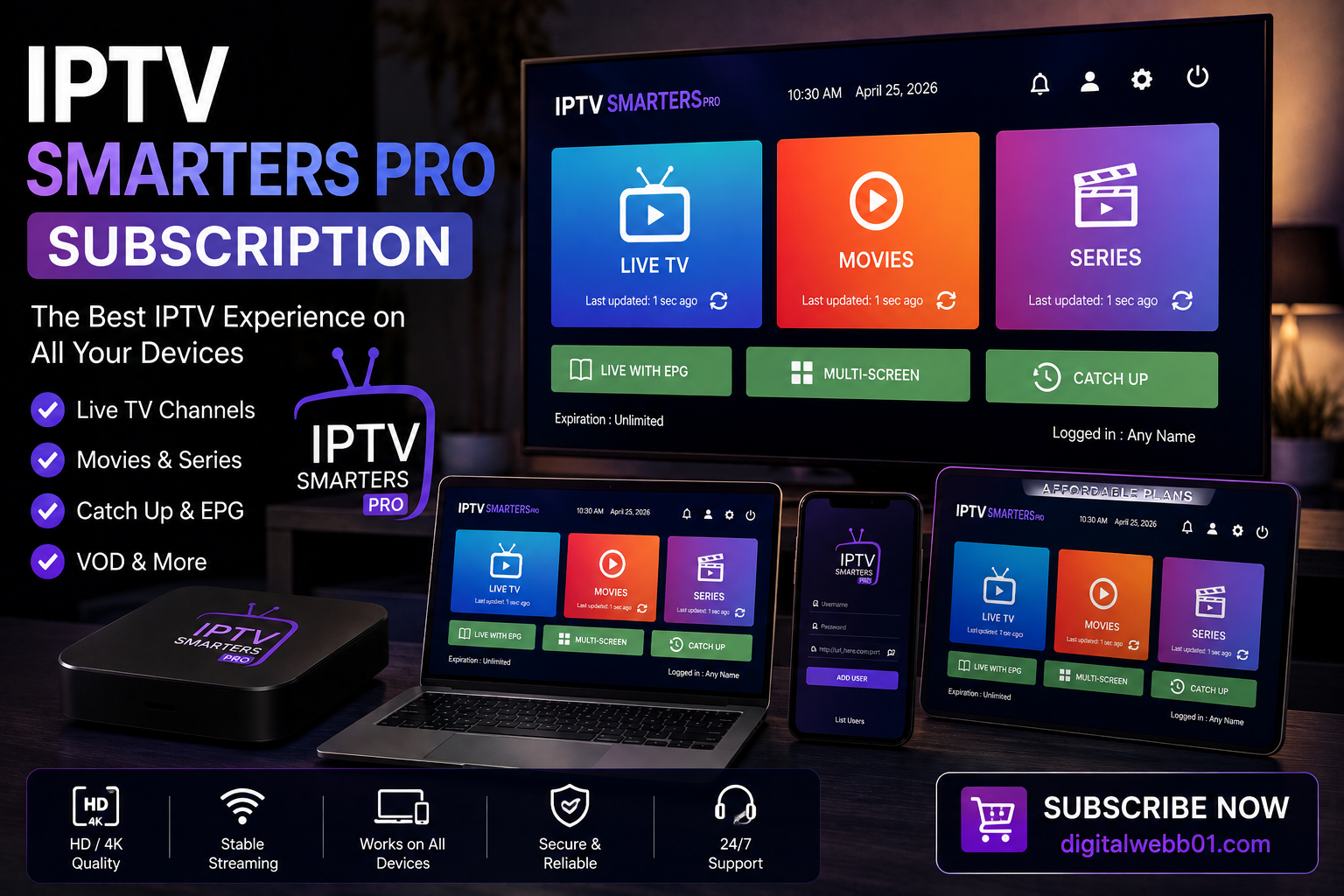
According to the official Smarters Pro website, the application supports platforms including Android, iOS, Smart TVs, Android TV, Windows, macOS, Apple TV, and web browsers. It also supports playlist formats such as M3U and JSON.
Therefore, a typical setup can look like this:
Authorized content provider → Playlist or credentials → Smarters Pro → Compatible device
Understanding this distinction can help you avoid websites that incorrectly claim that Smarters Pro itself provides IPTV channels.
How Does IPTV Smarters Pro Work?
Smarters Pro works as a media player interface.
Once you have access to a legitimate content source, the application can be used to organize and play compatible content.
Depending on the provider and configuration, users may receive information such as:
- Playlist information
- M3U playlist
- Login credentials
- Electronic Program Guide data
- Other supported content-source information
The exact setup depends on the service and the device.
Smarters Pro’s official documentation explains that users obtain their subscription credentials from their service provider rather than from Smarters Pro itself.
Does Smarters Pro Provide IPTV Channels?
No.
This is one of the most important things to understand when searching for an IPTV Smarters Pro subscription.
Smarters Pro describes itself as a standalone media player and explicitly states that it does not provide, host, sell, or distribute TV channels, streaming services, or third-party content.
The application is therefore separate from the content provider.
If a website claims that it is the official Smarters Pro provider and sells channel packages under the Smarters Pro name, users should verify the website carefully.
The official Smarters Pro website has also published a warning about third-party websites that misuse the Smarters Pro name and branding.
IPTV Smarters Pro Subscription vs IPTV Service
The easiest way to understand the difference is to separate the player from the service.
| Feature | Smarters Pro | IPTV Service |
|---|---|---|
| Media player | Yes | Not necessarily |
| Provides channels | No | Depends on provider |
| Provides content | No | Depends on provider |
| Plays compatible streams | Yes | Provides the stream |
| Playlist support | Yes | May provide playlists |
| Subscription | Premium app features may apply | Provider-specific |
| Content licensing | Not applicable to supplied channels | Provider responsibility |
This distinction is particularly important for consumers researching an IPTV Smarters Pro subscription.
What Should You Look For in an IPTV Service?
If you want to use a media player such as Smarters Pro, choosing the right content provider is just as important as choosing the player.
1. Content Authorization
First, determine whether the provider is authorized to distribute the content it offers.
IPTV is simply a method of delivering television or video content over IP networks. The technology itself does not determine whether a particular service is authorized.
A legitimate provider should be transparent about its content, service terms, and availability.
For a broader explanation of IPTV technology, you can read our IPTV vs Traditional TV guide.
That article explains how IPTV differs from terrestrial, cable, and satellite television and why the legality of a service depends on how the content is distributed.
2. Device Compatibility
Before subscribing to an IPTV service, check whether it supports your preferred device and media player.
Depending on the provider and application, IPTV can be accessed through devices such as:
- Smart TVs
- Android TV
- Apple TV
- Android phones
- iPhones and iPads
- Windows computers
- Mac computers
- Compatible streaming devices
Smarters Pro currently lists support across several of these platforms.
3. Playlist Compatibility
If you intend to use Smarters Pro, check which playlist or authentication method your provider offers.
Smarters Pro supports formats including M3U and JSON, while providers may use different methods for delivering content.
Compatibility should therefore be confirmed before purchasing a service.
4. Streaming Quality
Streaming quality depends on more than the television or application.
Your internet connection, Wi-Fi performance, device hardware, video source, and provider infrastructure can all affect playback.
If you are interested in higher-resolution television, our IPTV and 4K streaming guide explains why having a 4K television alone does not guarantee 4K streaming.
IPTV Smarters Pro on iPhone
Smarters Pro is one of the media players available across multiple platforms, including iOS.
If you are specifically interested in watching IPTV on an iPhone, our IPTV on iPhone guide covers the topic in greater detail.
That guide explains how IPTV players work on iPhone, playlist formats, EPG compatibility, AirPlay, and troubleshooting.
The main principle remains the same:
The player displays the content; the content provider supplies the authorized source.
How Internet Television Works
IPTV uses IP-based networks to deliver television content to compatible devices.
The process can be simplified into several stages:
- Content is prepared for digital delivery.
- The provider distributes the content through an IP network.
- The user’s device receives the stream.
- A compatible player processes the content.
- The viewer watches the content on the selected device.
This is different from traditional television systems that may use terrestrial broadcasting, cable infrastructure, or satellite transmission.
For more information, see the DigitalWeb IPTV vs Traditional TV article.
What Internet Speed Do You Need for IPTV?
There is no single internet-speed requirement that works for every IPTV service.
The required bandwidth can vary depending on the resolution and encoding of the content.
For example, HD streaming generally requires less bandwidth than 4K video.
However, raw download speed is not the only factor.
You should also consider:
- Wi-Fi signal strength
- Network stability
- Router performance
- Network congestion
- Device performance
- Streaming source
- Video resolution
A stable connection can be more important than simply having a high advertised internet speed.
Is IPTV Smarters Pro Available on Smart TVs?
Smarters Pro currently lists Smart TV compatibility and support for platforms including Android TV and Samsung Smart TVs.
However, availability can change by platform and region.
Before installing any application, it is best to check the official source and the relevant app store for your device.
The official Smarters Pro website provides current information about supported platforms and downloads.
Is IPTV Smarters Pro Free?
Smarters Pro may offer different versions and premium application features.
However, paying for the premium version of the application does not mean that you receive IPTV channels or a television subscription.
The official website specifically explains that upgrading the premium version unlocks application features and does not include media content, streaming services, or content subscriptions.
This is an important distinction when searching for an IPTV Smarters Pro subscription.
You should separately evaluate:
The media player
and
The authorized content service
How to Choose an IPTV Subscription
Before choosing an IPTV provider to use with a media player, consider the following:
Content
Does the service offer the programming you are legally entitled to access?
Compatibility
Does the service work with your device and preferred player?
Pricing
Are the subscription price and renewal terms clearly explained?
Reliability
Does the provider explain its service availability and support options?
Customer Support
Can you contact the provider if you have a technical issue?
Terms and Conditions
Are cancellation, renewal, privacy, and refund conditions clearly stated?
These factors are more useful than simply choosing a service based on the number of advertised channels.
IPTV Smarters Pro and DigitalWeb
If you are researching IPTV services and media players, DigitalWeb provides additional information about IPTV technology, device compatibility, and streaming.
Our IPTV on iPhone guide is particularly useful if you plan to watch internet television on an iPhone or iPad.
You can also explore the DigitalWeb IPTV resources for additional information about internet television and compatible devices.
The goal should always be to match a compatible media player with a legitimate content source rather than assuming that the player itself provides the channels.
Common Mistakes When Searching for IPTV Smarters Pro Subscription
People searching for IPTV Smarters Pro subscription often make a few common mistakes.
Mistake 1: Assuming Smarters Pro Is an IPTV Provider
It is not. Smarters Pro is a media player.
Mistake 2: Buying From an Unverified Website
Some websites may use the Smarters Pro name without being affiliated with the official application.
Always verify the official domain before entering personal or payment information.
Mistake 3: Choosing a Service Based Only on Channel Numbers
A large advertised channel count does not automatically mean that a service is better.
Look at content authorization, compatibility, quality, reliability, and terms.
Mistake 4: Ignoring Device Compatibility
Always check whether the provider and player work with your specific device.
IPTV Smarters Pro Subscription: Final Thoughts
The search term IPTV Smarters Pro subscription can refer to two separate parts of an online television setup.
Smarters Pro is a media player that can organize and play compatible content, while an IPTV or OTT provider is responsible for supplying the content.
The official Smarters Pro website clearly states that it does not provide or sell IPTV services, channels, or third-party content.
Therefore, if you are looking for an IPTV subscription to use with Smarters Pro, evaluate the content provider separately and make sure that the service is authorized, compatible with your device, and transparent about its terms.
For more information about IPTV technology, device compatibility, and streaming, visit DigitalWeb and explore our other guides.
Frequently Asked Questions
What is an IPTV Smarters Pro subscription?
The phrase generally refers to an IPTV service that can be used with the Smarters Pro media player. Smarters Pro itself does not provide IPTV channels or subscriptions.
Does Smarters Pro provide IPTV channels?
No. Smarters Pro is a media player and does not provide, host, sell, or distribute television channels or third-party streaming content.
Can I use Smarters Pro with an IPTV service?
A compatible and authorized content source can be used with supported media-player functionality. The exact setup depends on the provider and device.
Does Smarters Pro support iPhone?
Yes. The official Smarters Pro website lists iOS support, including iPhone and iPad.
Does Smarters Pro support Smart TVs?
Smarters Pro lists support for Smart TVs and several other platforms, although availability can vary by device and region.
Where can I learn more about IPTV on iPhone?
You can read the DigitalWeb IPTV on iPhone guide for information about IPTV players, playlists, EPG, AirPlay, and troubleshooting.
Where can I learn more about IPTV?
Visit DigitalWeb for additional guides covering IPTV technology, devices, and internet-based television.