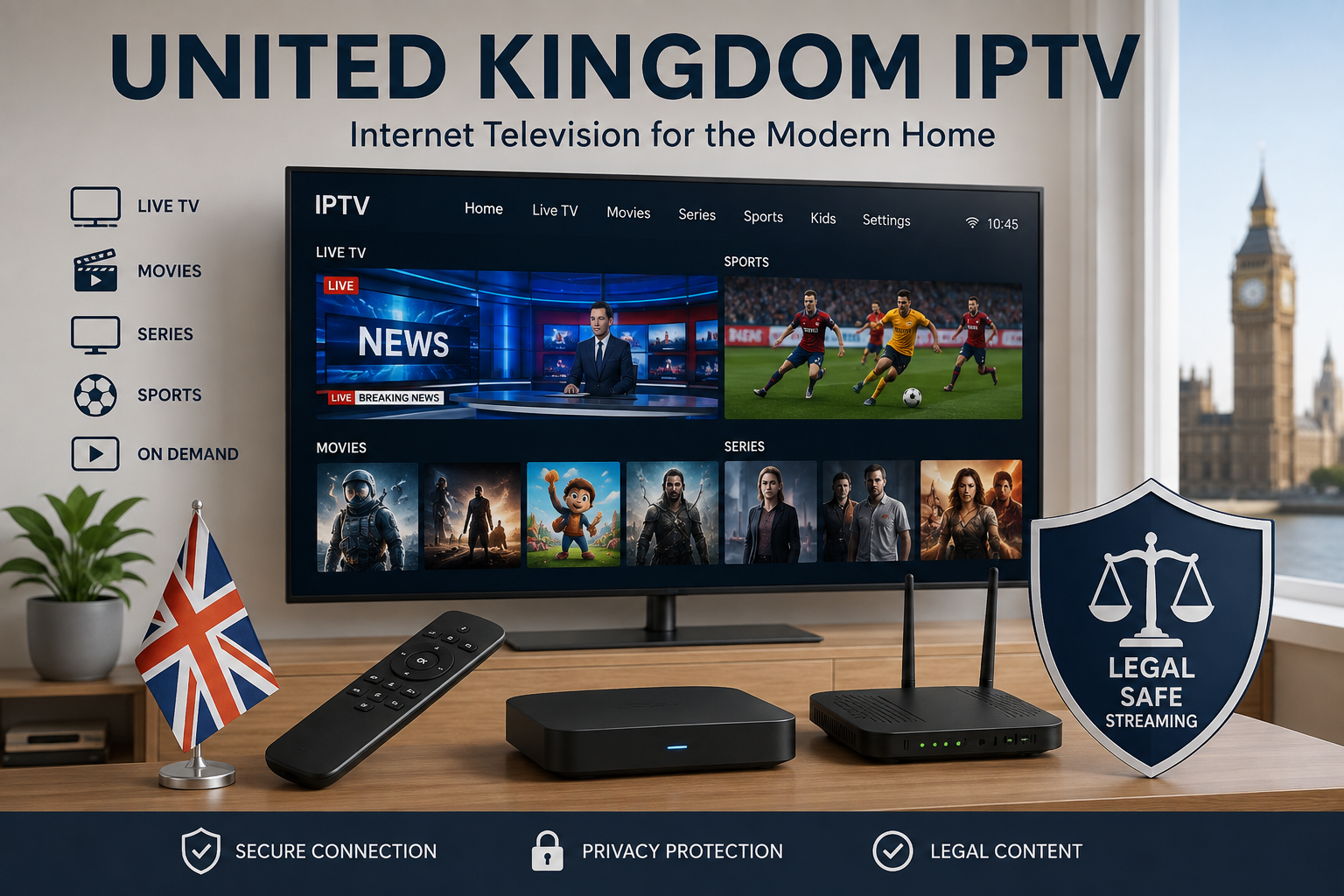
Television viewing in the United Kingdom IPTV market has changed significantly as more households use internet-connected televisions and streaming devices. IPTV allows television and multimedia content to be delivered through an internet connection, giving viewers another way to access live and on-demand programming.
However, choosing or evaluating an IPTV service involves more than looking at channel numbers or advertised video quality. Device compatibility, internet performance, subscription terms, privacy, and content authorization are all important factors.
This guide explains what UK viewers should know about IPTV and how to evaluate the technology responsibly.
What Is IPTV?
IPTV stands for Internet Protocol Television.
Instead of delivering television through traditional terrestrial broadcasting, satellite, or cable infrastructure, IPTV uses IP networks to transmit compatible television and multimedia content.
Depending on the service, IPTV can include:
- Live television
- Movies
- TV series
- News
- Sports
- Documentaries
- Entertainment
- On-demand content
The term IPTV describes the method of delivering content. It does not automatically indicate whether a particular provider has the legal rights to distribute everything it offers.
For official information about television and communications regulation in the UK, visit Ofcom.
How Does IPTV Work?
The basic process is relatively straightforward.
A content source is encoded and prepared for digital delivery. The content is then transmitted through an IP network to a compatible application or device.
The viewer’s setup may include:
Content source → Internet network → IPTV platform/application → Streaming device → Television
The quality of the final experience depends on several parts of this chain.
A problem with the internet connection, device, application, or source can affect playback.
Why Is IPTV Popular in the UK?
Internet-based television offers flexibility that can appeal to viewers who use multiple connected devices.
Depending on the service and application, content may be accessible through:
- Smart TVs
- Android TV devices
- Google TV
- Amazon Fire TV
- Apple TV
- Smartphones
- Tablets
- Computers
This can make internet-based television convenient for households that use more than one screen.
IPTV and Smart TVs
Smart TVs are among the most convenient devices for compatible IPTV applications.
Before using an IPTV application, check:
- Your TV manufacturer
- Exact model
- Operating system
- Application availability
- Supported video resolutions
- Regional compatibility
Different Smart TV models can have different application support, even when they come from the same manufacturer.
For more information, see our IPTV for Smart TV UK guide.
IPTV on Streaming Devices
Some viewers use dedicated streaming devices instead of running applications directly on their television.
Depending on compatibility, these may include:
- Amazon Fire TV
- Android TV devices
- Google TV devices
- Apple TV
Before purchasing or installing an application, check that it is compatible with your particular device and operating system.
What Internet Speed Does IPTV Need?
Internet performance is an important part of the IPTV experience.
The required bandwidth can vary according to:
- Video resolution
- Bitrate
- Compression
- Number of simultaneous streams
- Other activity on the network
A household streaming video on several devices at once can require considerably more network capacity than a single television stream.
Wi-Fi quality is also important. A fast internet package does not necessarily guarantee good streaming if the wireless signal is weak or unstable.
For more information, read our Internet Speed for IPTV guide.
Understanding HD and 4K IPTV
Not all IPTV streams have the same resolution.
Common video qualities include:
- Standard definition
- HD
- Full HD
- 4K UHD
4K can provide considerably more detail than lower-resolution formats, but the television, streaming device, application, internet connection, and source content all need to support the required quality.
A 4K television does not automatically convert every IPTV stream into native 4K.
What Should You Check Before Choosing an IPTV Service?
If you are comparing IPTV options in the United Kingdom, consider the complete service rather than one advertising feature.
Content
Check whether the programming you are interested in is actually available.
Compatibility
Make sure your preferred TV, phone, computer, or streaming device is supported.
Streaming Quality
Look at the resolutions offered and the requirements for HD or 4K playback.
Subscription Conditions
Read the duration, renewal, cancellation, and refund information carefully.
Customer Support
Check whether the provider offers clear contact and technical support information.
Privacy
Review how account and payment information is collected and handled.
Content Authorization
Look for transparent information about the provider’s rights to distribute the content it offers.
IPTV Subscription Terms
If a service requires a subscription, read its terms before making a payment.
Pay particular attention to:
| Term | What to Check |
|---|---|
| Duration | How long the subscription remains active |
| Renewal | Whether it renews automatically |
| Cancellation | How cancellation works |
| Refunds | Conditions for receiving a refund |
| Devices | Supported or simultaneous devices |
| Support | Available assistance |
Understanding these details can prevent confusion later.
IPTV Compared With Traditional Television
IPTV and traditional television differ mainly in their delivery methods.
| IPTV | Traditional TV |
|---|---|
| Uses IP networks | Uses broadcast, cable, or satellite systems |
| Requires internet connectivity | Requirements depend on the delivery method |
| Can support multiple compatible devices | Usually tied to a particular television service |
| Can provide on-demand functionality | Depends on the provider |
Neither approach is necessarily better for everyone. The right option depends on the viewer’s preferences and technical setup.
Is IPTV Legal in the UK?
IPTV technology itself is simply a method of delivering content over IP networks.
The important question is whether a particular provider has the appropriate rights to distribute the content it offers.
UK viewers should therefore research providers carefully and look for transparent information about content licensing and authorization.
The UK government provides information about illicit streaming devices and unauthorized access to copyrighted content through GOV.UK – Illicit Streaming Devices.
Common IPTV Problems
Buffering
Buffering can result from network congestion, weak Wi-Fi, device limitations, application problems, or issues affecting the streaming source.
Low Picture Quality
If the picture appears lower than expected, check the content resolution, device settings, application capabilities, and network performance.
Application Compatibility
An IPTV application may not be available for every television or streaming platform.
Network Congestion
Other devices using the same internet connection can affect streaming performance.
Device Limitations
Older hardware may not support newer video formats or higher resolutions.
How to Improve Your IPTV Setup
A few simple steps can improve the overall experience:
- Keep your streaming device updated.
- Use a stable Wi-Fi connection.
- Consider Ethernet when practical.
- Reduce unnecessary network activity during streaming.
- Check the application’s compatibility with your device.
- Verify that your television supports the desired resolution.
- Read the provider’s technical requirements.
- Check subscription and content information before paying.
Frequently Asked Questions
What does IPTV mean?
IPTV means Internet Protocol Television. It describes the delivery of television or multimedia content through IP networks.
Can IPTV work on a Smart TV?
Yes, compatible IPTV applications can work on supported Smart TVs. Compatibility depends on the TV model, operating system, application, and service.
Can IPTV support 4K?
Yes, IPTV can deliver 4K content when the source, service, application, device, television, and internet connection support the required specifications.
Does IPTV require an internet connection?
Yes. IPTV relies on an IP network to deliver its content.
Is every IPTV provider legal?
No. The legality of a particular provider depends on how it obtains and distributes its content and whether it has the appropriate rights.
Can IPTV be used on multiple devices?
Some services and applications support multiple compatible devices, but limitations can vary by provider and subscription.
Final Thoughts
The United Kingdom IPTV landscape includes a wide range of internet-based television technologies, applications, and services. Understanding how IPTV works makes it easier to evaluate different options and identify the features that matter most.
Before choosing a service, consider its content, device compatibility, streaming quality, internet requirements, subscription terms, customer support, privacy practices, and content authorization.
For more guides about IPTV, Smart TVs, streaming technology, and internet requirements, explore Digitalwebb01.
3 Replies to “United Kingdom IPTV: A Practical Guide to Internet-Based Television”