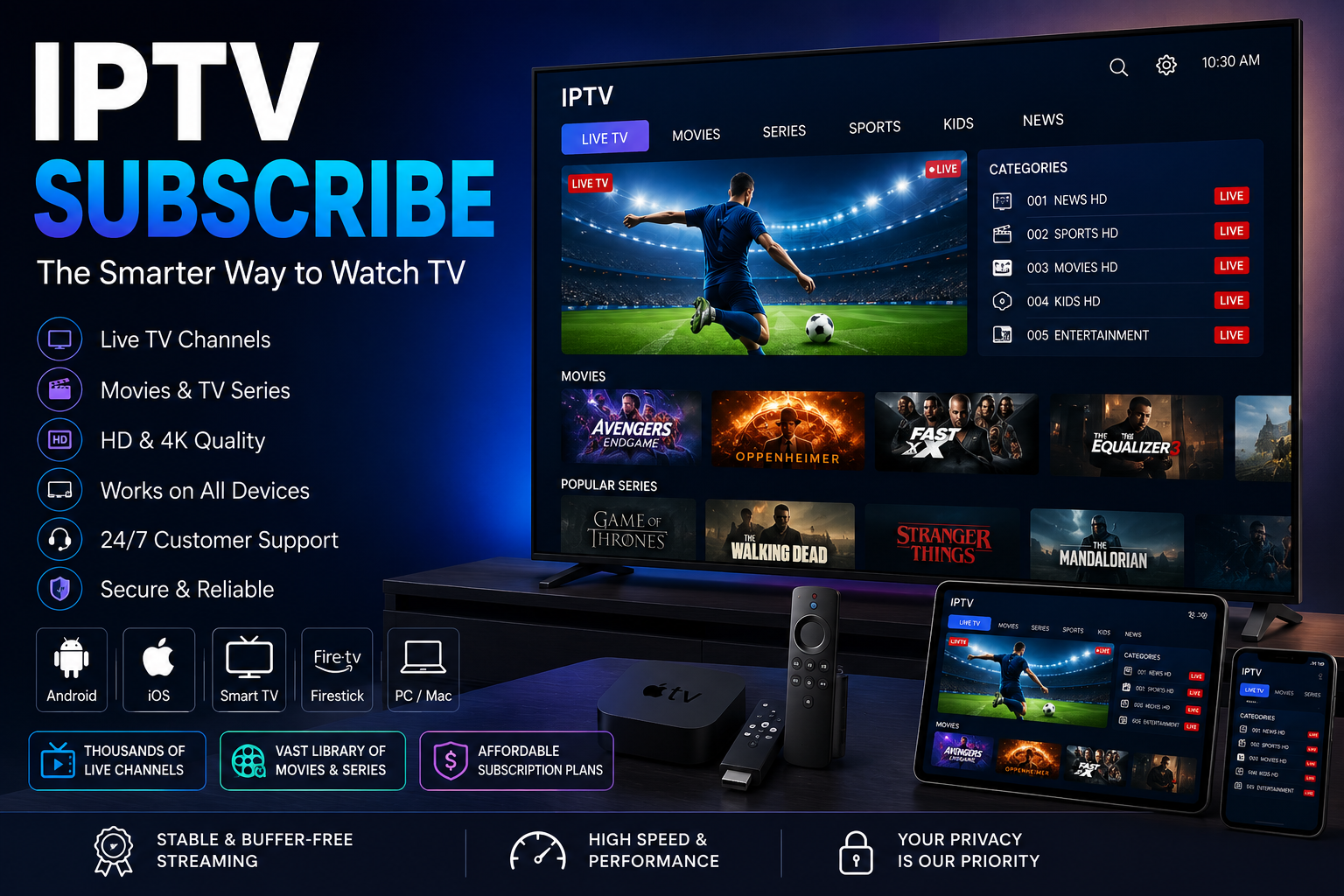
Searching for IPTV subscribe options can lead to many different services, plans, applications, and devices. Before choosing a subscription, it is important to understand how IPTV works, what you actually receive, which devices are supported, and what terms apply to your subscription.
For readers exploring IPTV services and related guides, DigitalWebb01 provides additional information about IPTV, compatible devices, streaming requirements, and subscription considerations.
The most important point is that IPTV is a delivery technology. The legality and quality of the experience depend on the individual service and whether it is authorized to distribute the content it provides.
What Does IPTV Subscribe Mean?
The phrase IPTV subscribe generally refers to subscribing to an IPTV service that delivers television or video content through an internet connection.
IPTV stands for Internet Protocol Television. Instead of relying exclusively on traditional terrestrial, cable, or satellite broadcasting, IPTV uses IP-based networks to deliver content to compatible devices.
Depending on the service, IPTV can provide access to different types of programming, including:
- Live television
- Movies
- TV series
- Video-on-demand content
- News
- Entertainment
- Sports programming where properly authorized
The exact content available depends on the provider and the rights it has to distribute that content.
How Does an IPTV Subscription Work?
The basic subscription process is relatively straightforward.
A viewer normally chooses a service, selects a plan, completes the provider’s official payment process, and receives the information needed to access the service.
The process can generally involve:
- Researching the provider.
- Checking device compatibility.
- Comparing subscription plans.
- Reviewing payment and renewal terms.
- Completing the subscription.
- Installing a compatible application.
- Accessing the authorized content.
The exact setup depends on the provider and the device being used.
What Should You Check Before You Subscribe to IPTV?
Choosing an IPTV service requires more than looking at the advertised price.
Content Authorization
First, make sure the provider is authorized to distribute the programming it offers.
IPTV itself is simply a method of delivering content. The important question is whether the individual service has the necessary rights for the content it provides.
Device Compatibility
Check whether the service works with your preferred device.
Depending on the provider, supported platforms may include:
- Smart TVs
- Android TV
- Fire TV devices
- Apple TV
- iPhone
- iPad
- Android smartphones
- Tablets
- Windows computers
- Mac computers
Never assume that an IPTV service supports every device.
Video Quality
If picture quality is important to you, check the resolutions supported by the service.
Depending on the provider and content, this can include:
- SD
- HD
- Full HD
- 4K
A 4K-compatible television alone does not guarantee 4K playback. The content source, application, device, and internet connection also need to support the required resolution.
IPTV Subscribe on Smart TV
Smart TVs are a popular way to access internet-based television.
Depending on your TV’s operating system, you may be able to install a compatible application directly on the television.
Before subscribing, check:
- Your Smart TV operating system
- Supported applications
- Required hardware
- Available video resolutions
- Account requirements
For a broader explanation of how internet-based television compares with traditional television, see IPTV vs Traditional TV.
Can You Subscribe to IPTV for iPhone?
Some IPTV services can be accessed on iPhone through compatible applications.
The exact setup depends on the provider and the application being used.
An iPhone can be useful for mobile viewing, but users should remember that high-resolution video can consume significant amounts of data.
For a detailed explanation of IPTV applications and iPhone compatibility, see IPTV on iPhone.
The article also explains why IPTV applications act as players rather than content providers, meaning that users still need an authorized source of content.
How Much Internet Speed Does IPTV Need?
A reliable internet connection is important when using IPTV.
As a general guideline:
- SD: Around 5 Mbps
- HD: Around 10 Mbps or more
- Full HD: Around 10–15 Mbps or more
- 4K: Around 25 Mbps or more
These numbers are general estimates rather than guarantees.
Actual performance can also depend on:
- Wi-Fi strength
- Router performance
- Network congestion
- Number of connected devices
- Application performance
- Device capabilities
- Quality of the video source
A fast internet package does not automatically guarantee perfect playback.
How to Compare IPTV Subscription Plans
When comparing IPTV subscription plans, look at the complete package rather than the headline price.
Subscription Duration
Providers may offer monthly, quarterly, six-month, annual, or other plans.
A shorter plan can provide greater flexibility, while a longer plan may reduce the effective monthly cost.
Supported Devices
Make sure your preferred devices are supported before paying.
Content
Check whether the programming you are interested in is included and properly authorized.
Video Quality
If you want HD or 4K, confirm that the service actually supports the resolution you require.
Connections
If you plan to use more than one device, check whether the subscription permits multiple registered devices or simultaneous streams.
Customer Support
Clear setup instructions and accessible customer support can make a significant difference when dealing with account or technical issues.
How Much Does an IPTV Subscription Cost?
There is no universal IPTV subscription price.
The total cost can vary depending on:
- Provider
- Subscription duration
- Content
- Video quality
- Supported devices
- Number of connections
- Included features
- Customer support
A monthly subscription can have a lower upfront cost, while a longer subscription may have a lower effective monthly price.
However, price should not be the only consideration.
A very inexpensive subscription may not provide the content, device support, transparency, or customer service you need.
Monthly vs Annual IPTV Subscription
Monthly Plans
Monthly subscriptions can be useful when flexibility is important.
They can provide:
- Lower initial commitment
- Easier plan changes
- Shorter financial commitment
- An opportunity to evaluate a service
Annual Plans
Annual subscriptions require a larger upfront payment but can sometimes offer a lower effective monthly cost.
Before choosing a long-term subscription, check:
- Cancellation conditions
- Refund policy
- Renewal price
- Expiration date
- Customer support
- Content availability
Never choose a long-term plan solely because its advertised monthly equivalent looks cheaper.
Are IPTV Subscriptions Automatically Renewed?
Subscription renewal policies vary.
Some services may automatically renew, while others may require the customer to purchase another plan manually.
Before subscribing, check:
- Whether automatic renewal is enabled
- Renewal date
- Renewal price
- Billing frequency
- Cancellation procedure
- Refund conditions
Understanding these terms can help prevent unexpected charges.
Common IPTV Subscription Problems
Even legitimate IPTV services can experience technical problems.
Buffering
Buffering can be caused by weak Wi-Fi, network congestion, insufficient bandwidth, router limitations, or issues affecting the content source.
Login Problems
Incorrect credentials or an expired subscription can prevent access.
Check your account information and subscription status before contacting support.
Application Compatibility
An application may not work on every Smart TV or operating system.
This is why device compatibility should be checked before subscribing.
Poor Picture Quality
Picture quality can be affected by the video source, internet connection, device, application, and network conditions.
Connection Problems
If several devices are using the same network simultaneously, available bandwidth can be divided between them.
Reducing unnecessary network activity can sometimes improve playback.
IPTV Subscribe vs Traditional TV
IPTV and traditional television use different methods of content delivery.
Traditional television can use:
- Terrestrial broadcasting
- Cable
- Satellite
IPTV uses IP-based networks.
The difference can affect equipment, internet requirements, device compatibility, and viewing flexibility.
For a detailed comparison, see the IPTV vs Traditional TV guide on DigitalWebb01. The guide explains how IPTV and traditional television differ in delivery, devices, internet requirements, and subscription models.
Is IPTV Legal and Safe?
IPTV technology itself is not inherently illegal.
The important issue is the individual service and whether it has the appropriate authorization to distribute its content.
Before subscribing, look for:
- Clear provider information
- Transparent pricing
- Clear subscription terms
- Appropriate content authorization
- Secure payment procedures
- Cancellation information
- Customer support
Avoid services that make unrealistic claims or provide unclear information about their identity or content rights.
How to Choose the Right IPTV Service
Before subscribing, ask yourself several questions.
What Do You Want to Watch?
Choose a service that offers the authorized programming relevant to your viewing habits.
Which Devices Will You Use?
Make sure your Smart TV, smartphone, tablet, or computer is supported.
What Video Quality Do You Need?
If you want 4K, make sure the service, content, device, application, and internet connection support it.
How Long Do You Need the Subscription?
Choose a subscription period that fits your actual needs.
What Are the Renewal Terms?
Know when the subscription ends and whether it automatically renews.
Is Customer Support Available?
Check how you can contact the provider if you encounter technical or account problems.
IPTV Subscription Security Tips
When subscribing to any online service, protect your personal and payment information.
Consider the following:
- Use the provider’s official website.
- Check that payment information is handled securely.
- Avoid sharing account credentials publicly.
- Use a strong password when available.
- Read the privacy policy.
- Review cancellation and renewal conditions.
- Avoid downloading applications from suspicious websites.
For general questions about IPTV, devices, internet requirements, and subscriptions, you can also consult the DigitalWebb01 IPTV FAQs.
Frequently Asked Questions
What does IPTV subscribe mean?
It generally means subscribing to an IPTV service that delivers television or video content through an IP-based network.
How do I subscribe to IPTV?
Research the provider, verify content authorization, check device compatibility, compare plans, review payment and renewal terms, and complete the subscription through the provider’s official process.
Can I subscribe to IPTV on Smart TV?
Many IPTV services support Smart TVs, but compatibility varies by provider and television operating system.
Can I use IPTV on iPhone?
Yes, compatible IPTV services can be accessed on iPhone through supported applications. The exact setup depends on the provider and application.
How much internet speed does IPTV require?
The required speed depends on video resolution and network conditions. Higher-resolution content generally requires more bandwidth.
How much does IPTV cost?
There is no universal price. Costs vary according to the provider, subscription duration, content, video quality, supported devices, and included features.
Should I choose a monthly or annual plan?
A monthly plan generally provides greater flexibility, while a longer plan may offer a lower effective monthly cost. Always review the complete terms before making a long-term commitment.
Is IPTV legal?
The technology itself is legal. The important question is whether a particular service is authorized to distribute the content it offers.
Final Thoughts
The search for IPTV subscribe options is only the beginning. Choosing a suitable service requires looking beyond the advertised price.
Check the provider’s content authorization, supported devices, video quality, internet requirements, subscription duration, payment process, renewal conditions, cancellation policy, and customer support.
A transparent IPTV service should make these details easy to understand before you subscribe.
For more information about IPTV technology, Smart TVs, mobile devices, and subscription considerations, explore the resources available on DigitalWebb01.