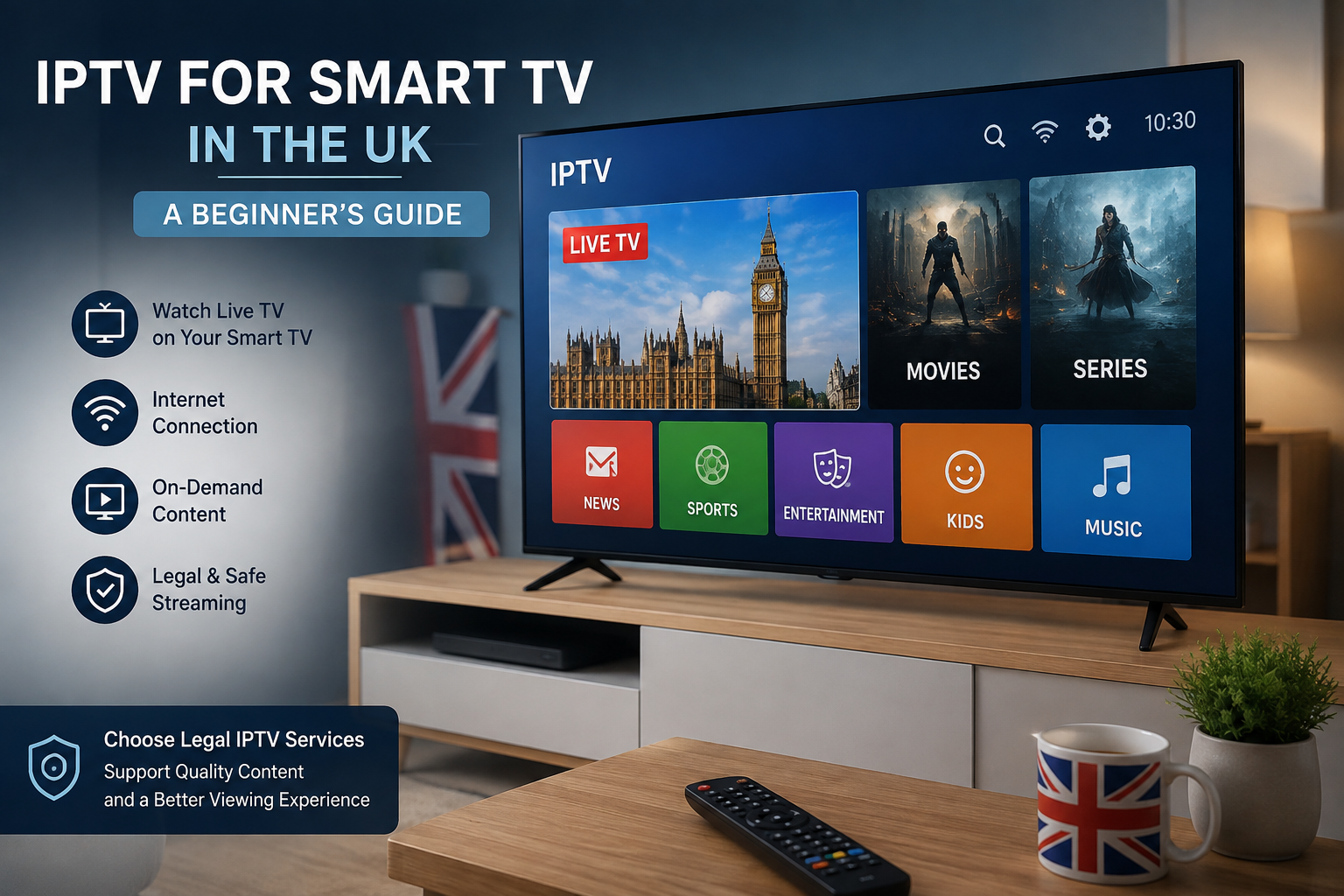
Smart TVs have changed the way people watch television in the UK. Instead of relying only on traditional broadcast, cable, or satellite services, modern televisions can connect to the internet and provide access to a wide range of digital television and video services.
One technology associated with internet-delivered television is IPTV, or Internet Protocol Television. Ofcom explains that Smart TVs can access television channels delivered through the internet, commonly referred to as IPTV.
If you are considering IPTV on a Smart TV, there are several things worth understanding before choosing a service or application.
What Is IPTV on a Smart TV?
IPTV refers to television or multimedia content delivered through IP-based networks.
With a compatible Smart TV, viewers can potentially access internet-delivered television without needing a separate streaming device. The exact options available depend on the television’s operating system, application availability, service provider, and region.
Modern connected-TV platforms are becoming increasingly important in the UK television market. Ofcom’s recent work on connected TV platforms highlights their role as gateways through which audiences discover and access digital content and services.
Which Smart TVs Can Support IPTV?
IPTV applications can be available on different Smart TV platforms, but compatibility varies.
Common platforms include:
- Samsung Smart TV
- LG Smart TV
- Android TV
- Google TV
- Sony Smart TV
- VIDAA
- Other connected-TV platforms
The availability of a particular application can change over time, so it is important to check the current compatibility information provided by the application or service.
Recent UK government material on the future of television distribution identifies Smart TVs as an important part of the IPTV ecosystem and notes that application and service availability can vary.
How Does IPTV Work on a Smart TV?
The basic process is relatively straightforward.
Your Smart TV connects to your home network, usually through Wi-Fi or Ethernet. A compatible application then receives and processes the digital stream supplied by the service.
A simplified process looks like this:
- Connect your Smart TV to the internet.
- Install or open a compatible application.
- Sign in or configure the service according to its official instructions.
- Select available content.
- The television receives and displays the stream.
The exact process can differ between applications and television manufacturers.
Do You Need a Separate IPTV Box?
Not necessarily.
If your Smart TV supports the application you need, you may be able to use the television itself.
A separate streaming device can still be useful when:
- Your television does not support the required application.
- The Smart TV operating system is outdated.
- You prefer a different streaming platform.
- You want to use a device with additional features.
Amazon Fire TV, Android TV devices, Apple TV, and other streaming platforms can provide alternative ways to access compatible internet-based services.
How to Connect Your Smart TV to the Internet
A stable internet connection is important for internet-based television.
You generally have two main options.
Wi-Fi
Wi-Fi is convenient because you do not need an Ethernet cable running to your television.
However, performance can depend on:
- Distance from the router
- Walls and obstacles
- Wireless interference
- Number of connected devices
- Router performance
Ethernet
If your television and router support Ethernet, a wired connection can provide a more consistent connection.
This can be useful if your Wi-Fi signal is weak or unstable.
What Internet Speed Do You Need?
There is no single speed requirement that applies to every IPTV service.
Your requirements can depend on:
- Video resolution
- Number of simultaneous streams
- Other devices using the connection
- Network stability
- Application performance
- Service infrastructure
HD and 4K content generally require more bandwidth than lower-resolution video.
For a more detailed explanation, read our Internet Speed for IPTV guide.
IPTV and 4K Smart TVs
Many modern Smart TVs support 4K Ultra HD.
However, having a 4K television does not automatically mean that every stream will be delivered in 4K.
A complete 4K viewing experience depends on several components:
- 4K-compatible content
- Compatible application
- Suitable television
- Appropriate streaming device where required
- Sufficient network performance
If the source content is not provided in 4K, a 4K television cannot create genuine native 4K content from it.
How to Improve IPTV Streaming on Smart TV
If you experience buffering or unstable playback, there are several things you can check.
Improve Your Wi-Fi
Move your router to a more suitable location if possible.
Use Ethernet
If practical, connect the television directly to the router.
Reduce Network Activity
Large downloads, cloud backups, gaming, and other simultaneous streams can increase network demand.
Restart Your Router
A restart can sometimes resolve temporary connectivity problems.
Update Your TV
Keep your Smart TV’s operating system and supported applications updated.
Check the Service
If other internet services work normally but one particular stream continues to have problems, the issue may be related to the application or service rather than your home connection.
How to Choose an IPTV Service for Smart TV
Choosing a service requires more than looking at the number of advertised channels.
Consider the following factors.
Compatibility
Check whether the service supports your specific television platform and model.
Content
Make sure the programming you want is actually available.
Streaming Quality
Check which resolutions are supported and whether they match your television and internet connection.
Subscription Terms
Read the price, duration, renewal, cancellation, and refund information carefully.
Customer Support
A clear support channel can be useful if you have technical or account-related questions.
Privacy
Review the provider’s privacy policy and understand how your information is handled.
Content Rights
This is particularly important.
IPTV is a technology, and the legality of a service depends on whether it has the appropriate rights to distribute the content it provides.
The UK government warns that streaming copyrighted content without the copyright owner’s permission can constitute illicit streaming.
Therefore, choose services that clearly operate with appropriate authorization for their content.
IPTV vs Traditional TV on Smart TV
A Smart TV can actually combine different television technologies.
You may use:
- Terrestrial television
- Satellite services
- Cable services
- IPTV
- On-demand applications
The difference is primarily in how the content is delivered.
For a detailed comparison, see our IPTV vs Traditional TV guide.
Do You Need a TV Licence?
This is an important consideration for UK viewers.
According to GOV.UK, you need a TV Licence to watch or record programmes as they are being broadcast on television, a computer, or another device. A licence is also required to watch on-demand BBC programmes on BBC iPlayer.
The licensing requirement depends on what you watch and how you watch it, rather than simply whether the technology is called IPTV.
If you are unsure whether you need a licence, check the current guidance from TV Licensing and GOV.UK.
Smart TV Platforms and the Future of IPTV
The role of Smart TVs in internet-delivered television is likely to continue growing.
The UK government published a 2026 paper examining the possibility of a full transition from digital terrestrial television toward IPTV by 2034. The paper considers technical infrastructure, reliability, consumer experience, and other requirements for such a transition.
This does not mean that every household will immediately switch from traditional television to IPTV. Instead, it shows how important IP-based television has become in discussions about the future of UK television.
Common Smart TV IPTV Problems
The Application Cannot Be Found
The application may not support your television model or region.
Check the application’s current compatibility information.
Buffering
Check your Wi-Fi signal, internet connection, router, and other devices using the network.
Poor Picture Quality
Check the available video resolution and make sure your television and connection support the required quality.
Application Crashes
Restart the television and check whether an application or system update is available.
Login Problems
Check your account information and contact the legitimate service provider if the problem continues.
Should You Use Wi-Fi or Ethernet?
For many homes, Wi-Fi is perfectly suitable for streaming.
However, Ethernet can be preferable when your television is close enough to the router and you want a more consistent connection.
The best option depends on your home layout and network conditions.
Final Thoughts
IPTV can provide Smart TV owners in the UK with another way to access internet-delivered television and digital entertainment.
The key is to choose compatible applications and legitimate services, maintain a stable internet connection, and understand the terms and content rights associated with the service.
If you are researching IPTV, our IPTV Setup Guide provides additional information about getting started with compatible devices.
For more information about IPTV technology, Smart TVs, internet requirements, and streaming, explore the other guides available on Digitalwebb01.com.
14 Replies to “IPTV for Smart TV in the UK: A Beginner’s Guide”