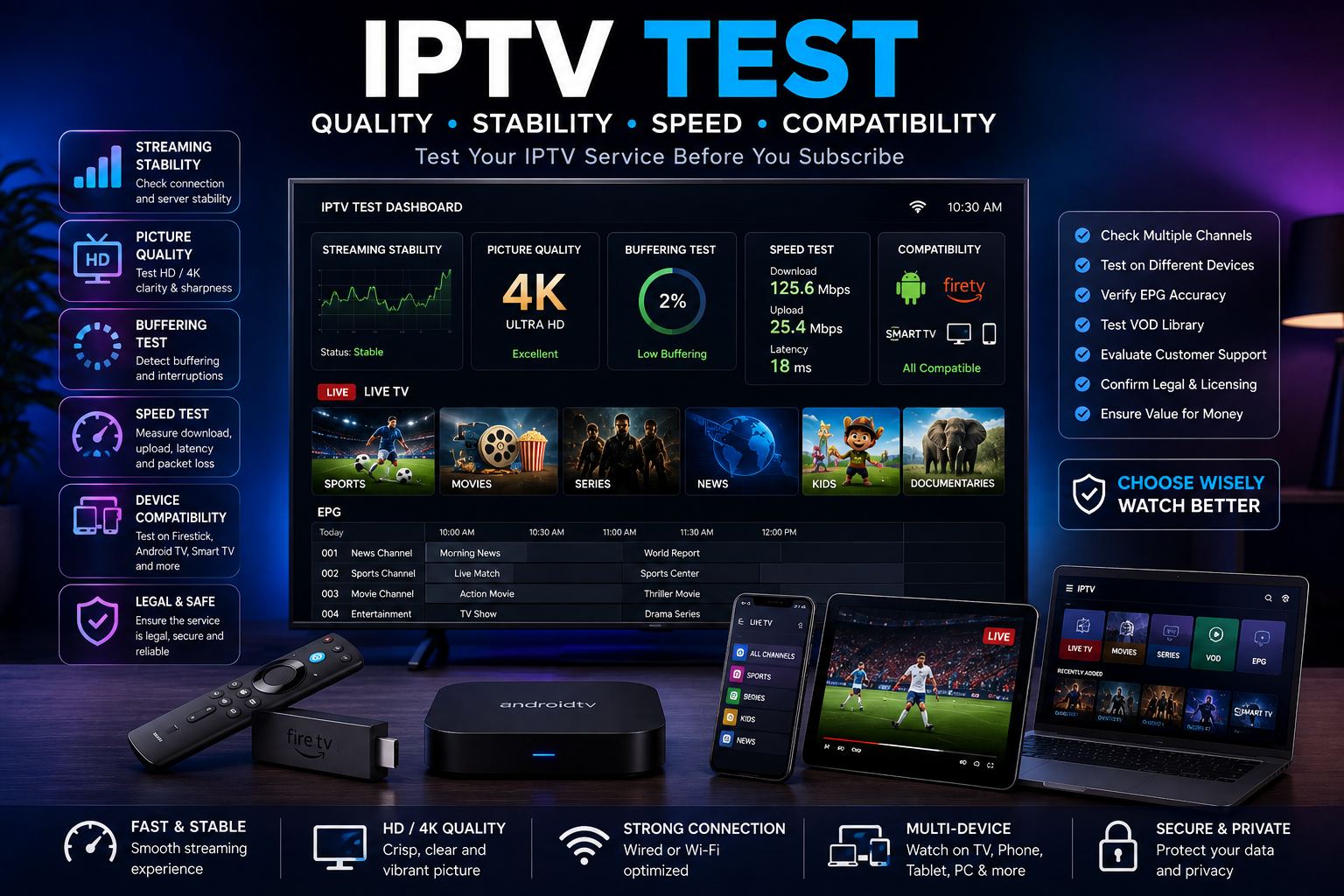
IPTV Test Guide for Safer Streaming
Testing an IPTV service well helps you separate a stable, lawful, and fun viewing option from one that will frustrate you later. A good IPTV test looks past the channel list. It checks picture quality, device fit, sports use, playlist reliability, support, and the service’s legal status. This guide shows a simple way to test internet protocol TV before you spend time, money, or trust.
What is internet protocol tv?
Internet protocol TV, often called IPTV, is TV sent over an internet connection instead of broadcast, satellite, or cable. Your device does not tune into a fixed signal. It asks for a stream through an app, an IPTV STB box, a smart TV, a phone, a tablet, or a device such as a Fire TV Stick.
That flexibility is the main draw. IPTV can make it easier to watch live channels, catch-up shows, films, series, and sports across different devices.
But the result depends on many things. The provider matters. Your connection matters. The app matters. The device matters. Legal rights also matter.
A proper IPTV test is not only about asking, Does it play? It should also help you avoid weak, unsafe, or unauthorised services that may vanish, buffer all the time, push risky payment methods, or promise premium content that sounds too good to be true.
What should an IPTV test prove?
A good IPTV test should show that the service is stable, works with your device, has clear sound and picture, is easy to use, has real support, and is lawful for the content you want to watch.
It should also show how the service performs at the times that matter to you. That may be live sport, evening viewing, or a busy home using a Firestick.
Many people test IPTV by opening a few channels and deciding in five minutes. That is rarely enough. A stream can look fine at midday and fail during a major football match. A playlist can load fast on one app and act badly on another. A provider can advertise thousands of channels while the few you care about are poorly kept.
A useful test is planned. It checks your real viewing habits, your real device, and your real internet conditions. If you want the best iptv on firestick, testing on a laptop will tell you very little. If you mainly watch iptv sports, a quiet news channel is not a fair test.
Start with legal status and clear facts
Before you test speed, quality, or channel choice, check whether the service is open about what it offers. A legit provider should say what it sells, how billing works, what devices it supports, and how customers can get help.
If a service hides basic facts, pushes you to pay quickly, or makes vague claims about premium channels, treat that as a warning sign.
Be careful with searches such as xxx iptv, iptv for sky, iptv premier league, or deal iptv. People use these terms in different ways, and not every result will be safe, legal, or reliable.
If a provider claims to offer paid sports, broadcaster packs, or adult content without clear rights, age controls, privacy rules, or customer care, the risk is yours as the viewer.
A simple rule helps here: do not use IPTV to bypass subscriptions, regional rights, or access controls. If you want Premier League football, Sky content, US channels, or a specialist package, look for authorised options and read the terms.
Testing a service should never mean ignoring the legal and security side.
Prepare your device and connection first
A poor setup can make a decent IPTV service look bad. Before you blame the provider, make sure your own setup is ready.
IPTV needs steady bandwidth, low interruption, and a device that can handle the app or playlist well.
If you are using a Firestick, restart it before testing. Close unused apps and make sure there is enough free storage. Many people looking for the best iptv firestick experience are really dealing with an overloaded device, weak Wi-Fi, or a bad player rather than a weak service.
If you are using an IPTV STB box, check that the firmware is current and that the box supports the formats your provider uses. Some boxes are great for simple live TV but less flexible with playlists, catch-up, or newer apps.
If you watch on a smart TV, remember that older apps can be slower and less stable than dedicated streaming gear.
Before the test, prepare the following:
- A stable internet connection, tested near the device you will use.
- Your main device, such as a Firestick, Android TV, smart TV, or IPTV STB box.
- The app or player the provider recommends, if one is named.
- Login details, portal data, or the IPTV playlist link for the trial.
- A short list of must-watch channels, sports events, or content types.
- Enough time to test during both quiet and busy viewing periods.
This setup makes the results more useful. If you test in the same way you will watch, you get a clearer view of whether the service fits your needs.
Test the IPTV playlist properly
The IPTV playlist is the base of many services. It tells your app what streams are available and how to reach them. A weak playlist can cause missing channels, wrong names, broken groups, repeats, or slow loading.
When you receive an IPTV playlist, do not only check whether it opens. Look at how it is set out.
Are channels grouped in a clear way? Can you find sports, films, news, or regional channels fast? Are there too many duplicates? Does the electronic programme guide match the channels, or is it blank and confusing?
A strong IPTV setup should feel easy after a short time of use. You should not have to scroll through endless broken entries to find one channel. If the playlist has thousands of options but many fail, that is not a plus. It is clutter.
Use this simple checklist:
- Load the playlist in the app you plan to use most.
- Open channels from several groups, not just the first few on the list.
- Check whether channel names and groups are clear.
- Test whether the guide appears and matches the right channels.
- Mark broken, repeated, or misleading entries.
- Reload the app later and see whether the playlist stays stable.
This helps you judge daily use, not just first impressions.
Picture quality, buffering, and delay matter
IPTV quality is about steady performance, not just resolution. A stream marked HD is not much use if it freezes every few minutes. A lower-res stream that plays smoothly may be better than a sharper one that fails under pressure.
During your IPTV test, watch each channel long enough to spot patterns. A ten-second sample tells you very little.
Try a mix of fast sport, live news, films, and normal TV. Fast motion helps expose weak compression, frame drops, and audio sync problems.
Look for these signs:
- Frequent buffering, especially at regular points.
- Audio that drifts away from the picture.
- Channels that open fast at first but turn unstable after a few minutes.
- Big quality drops during busy evening hours.
- Long delays compared with official live feeds.
- Streams that fail and then return under a new name.
Some delay is normal with internet streaming, but too much lag can be annoying for live events. For sports on IPTV, latency can matter as much as sharpness.
How do you test IPTV sports without being misled?
To test IPTV sports well, watch live sport during a real event, ideally one with high demand, and check it from build-up to full-time. Do not rely on a quiet sample.
Sports streams put more strain on a provider because many viewers arrive at once, motion is fast, and reliability matters more than it does for background viewing.
If you are searching for the best iptv for sports, focus on the sports you truly follow. A provider may list many channels but still fail for the league, country, or event you care about.
Someone in the United States may prefer different coverage from someone in the UK, so an iptv united states package should be tested against US viewing needs, time zones, and device habits.
For football fans, terms such as iptv premier league can lead to bold claims. Be careful. Check whether the provider is allowed to offer the content and whether the quality holds up during real match periods.
A service that works for highlights may fail during a live derby, title race, or cup match.
During a sports test, pay attention to:
- Stream stability during peak moments.
- Smooth motion when the camera pans fast.
- Audio quality, especially commentary sync.
- Access to the channels you actually need.
- Whether the service gives lawful access to the event.
- How fast support responds if a live channel fails.
This is where many weak services show their limits. A big channel list is easy to advertise. Reliable live sport is harder to deliver.
Compare performance across devices
Device choice can change the IPTV experience a lot. The same service may feel great on one device and clumsy on another. That is why testing across your real setup is important, especially if different people in your home watch in different rooms.
Firestick users should test remote use, app speed, channel switching, and whether the device slows down after longer viewing. The best iptv on firestick is not just the one with the biggest channel list. It is the one that runs well on Fire TV hardware, works with your player, and feels easy to use from the sofa.
An IPTV STB box may suit people who want a more classic TV feel. It can work well for users who prefer a dedicated box, simple menus, and less app switching.
Still, not every IPTV STB box is the same, so test catch-up, favourites, guide data, and updates before you decide it is the right choice.
Smart TVs are handy, but built-in apps vary a lot. Phones and tablets are useful for travel, but they may not show how the service works on your main screen.
If you can, test on every device that matters before you commit.
Security, privacy, and payment checks
Security is easy to ignore when a trial seems to work. But IPTV services can involve apps, logins, payment details, and viewing data, so caution makes sense.
Avoid unknown apps from random links, especially if your device warns you about the source.
Be careful with providers that only accept odd payment methods, will not explain renewal terms, or push long deals before you finish a proper IPTV test.
A cheap deal iptv offer may look tempting, but price should not be the only factor. If a low-cost package comes with poor support, unclear rights, and no refund path, it may cost more in stress later.
Practical safety checks include:
- Read the terms before you pay.
- Use secure payment methods when you can.
- Avoid sharing more personal data than you need to.
- Check that customer support is real and responsive.
- Do not install apps from sources you do not trust.
- Avoid services that promise huge amounts of premium content for very little money.
A strong IPTV service should make you feel informed, not rushed.
Run a realistic 24-hour viewing test
If you have a trial, use it well. Spread your testing across the day instead of doing it all in one sitting. IPTV performance can change with network load, provider capacity, and event demand.
A realistic test might look like this:
- Morning: Open the app, check login stability, and test a few news or general channels.
- Afternoon: Browse the IPTV playlist, set favourites, and check guide data.
- Early evening: Test films, entertainment, and catch-up if it is offered.
- Peak time: Watch live sport or a high-demand channel for a longer session.
- Late evening: Restart the device and check whether the app reconnects cleanly.
Take notes as you go. You do not need a complex score. Just record what worked, what failed, and whether the issue would bother you in daily use.
Judge the full experience, not just the channel count
Channel count is one of the weakest ways to judge IPTV. A smaller, well-kept package can be much better than a huge list full of broken streams.
The better question is whether the service gives you the content you want, on the devices you use, at the times you watch, with support you can reach.
Think about daily ease. Can family members use it without help? Are favourites easy to manage? Does the app recover after a connection drop? Are categories clear? Does the provider tell you when maintenance is happening?
Your final choice should balance several things:
- Legal status and content rights.
- Stream stability and picture quality.
- Sports performance during live events.
- Firestick, smart TV, or IPTV STB box fit.
- Playlist order and guide accuracy.
- Support quality and payment clarity.
- Overall ease of use.
This balanced view is much better than chasing the biggest package or the loudest ad.
A practical takeaway
An effective IPTV test is a simple check of trust, ease, device fit, and live performance. Start with legal status, set up your device, test the IPTV playlist, watch during real peak periods, and pay close attention to how the service works on the device you use most.
Whether you are comparing IPTV United States options, looking for sports on IPTV, testing a Firestick setup, or considering an IPTV STB box, the rule is the same: test the way you actually watch.
If the service is clear, stable, lawful, and easy to use during your trial, it is far more likely to work well after you subscribe.
Q&A
Question: How long should an IPTV test last?
Answer: A quick five-minute look is not enough. Use any trial across different parts of the day, with quiet periods, busy evening hours, and a live sports or high-demand event if that is part of your normal viewing. A full 24-hour test gives you a better view of stream stability, playlist reliability, guide accuracy, device performance, and whether the app reconnects cleanly after a restart.
Question: Why does legality matter in an IPTV test?
Answer: Legality matters because a service without proper rights may be weak, unsafe, or short-lived. An IPTV test should not only ask whether streams play. It should also check whether the provider is clear about content rights, billing, devices, and support. If a service appears to offer premium sports, broadcaster packages, or specialist content without clear rights or permission, treat it as a warning sign.
Question: What is the best way to test IPTV on a Firestick?
Answer: Test the service on the Firestick itself, not on another device. Restart the Firestick first, close unused apps, check free storage, and use the app or player you expect to use every day. During the test, watch remote use, app speed, channel switching, buffering, playlist loading, and whether the device slows down after longer viewing.
Question: Why should sports be tested differently from normal channels?
Answer: Live sport puts more pressure on an IPTV service because many viewers watch at once, motion is fast, and delay is easier to spot. A proper sports test should happen during a real live event, not just during highlights or a quiet sample. Check stability, smooth motion, commentary sync, latency, lawful access, and support response if a live channel fails.
Question: Is a larger IPTV channel list always better?
Answer: No. Channel count is one of the weakest ways to judge IPTV. A smaller, well-kept package can be better than a huge IPTV playlist full of broken, repeated, or misleading entries. The more useful test is whether the service gives you the channels and content you actually watch, works on your preferred devices, and stays stable when you need it most.