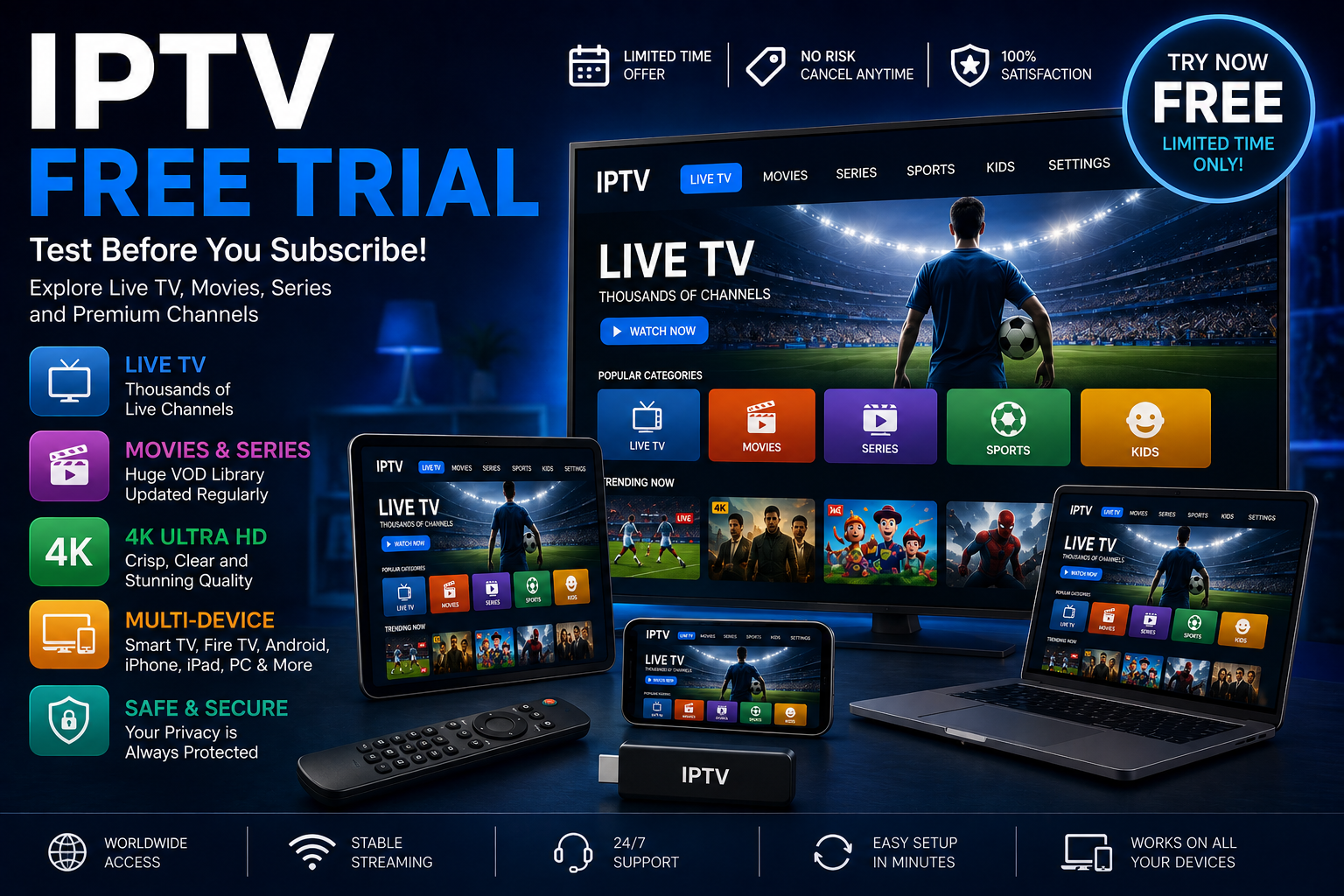
If you are searching for an IPTV free trial, you are probably looking for a simple way to test an internet television service before committing to a subscription.
A trial can help you answer important questions before making a decision. Does the service work well on your device? Is the picture quality good enough? Is the streaming stable? Does the application provide the features you need? Are the subscription and cancellation terms clear?
These questions are often more useful than simply looking at the number of channels advertised.
In this guide, we explain how an IPTV free trial works, what you should test during the trial, how to evaluate streaming quality, device compatibility, 4K performance, subscription terms, safety, and content authorization.
What Is an IPTV Free Trial?
An IPTV free trial is a limited opportunity to test an internet-based television service before deciding whether to purchase a longer subscription.
IPTV stands for Internet Protocol Television. In general terms, it refers to television content delivered using IP-based networks. Ofcom explains that television channels delivered to a Smart TV through the internet can be referred to as IPTV, or Internet Protocol Television.
A trial may allow users to evaluate features such as:
- Live television
- Video on demand
- Movies and series
- Electronic Program Guide (EPG)
- HD and Full HD playback
- 4K content where genuinely supported
- Smart TV compatibility
- Fire TV compatibility
- Android compatibility
- iPhone and iPad compatibility
- Application performance
The exact features depend on the individual service.
Why Should You Try IPTV Before Subscribing?
One of the biggest advantages of a trial is that it allows you to test a service using your own internet connection and device.
A provider may advertise excellent streaming quality, but your actual experience can depend on:
- Your internet connection
- Wi-Fi quality
- Router performance
- Device hardware
- Application compatibility
- Network congestion
- Video source
- Resolution
For this reason, a trial can be more informative than relying only on advertising claims.
Instead of asking only “How many channels are included?”, consider asking:
Does the service work reliably for the way I actually watch TV?
What Should You Test During an IPTV Free Trial?
A good IPTV trial should be treated as a practical test.
1. Test Your Main Device
Start with the device you actually intend to use.
For example, if you plan to watch IPTV on a Smart TV, test the service on that television.
If you mainly watch on an iPhone, test the service on your iPhone rather than assuming that performance will be identical across platforms.
Our guide to IPTV on iPhone explains how compatible IPTV players work on iPhone and how playlist and EPG compatibility can affect the experience.
2. Test Different Types of Content
Don’t judge a service after watching only one channel.
If the service legitimately offers different categories, test several types of programming, such as:
- News
- Entertainment
- Documentaries
- Sports
- Movies
- International programming
This gives you a better idea of the overall performance.
Always make sure that the provider has the appropriate rights to distribute the content it offers.
3. Test at Different Times
Streaming performance can change depending on network conditions.
If possible, test the service at different times of day.
For example, you might compare:
- Morning
- Afternoon
- Evening
This can help identify whether performance remains consistent during periods of higher internet usage.
IPTV Free Trial and 4K Quality
4K is one of the most attractive features for viewers with modern Ultra HD televisions.
However, a 4K label alone does not guarantee genuine 4K playback.
For a complete 4K experience, several components need to work together:
- 4K source
- 4K display
- Compatible streaming device
- Compatible application
- Sufficient bandwidth
- Stable network connection
A television can upscale lower-resolution video, but upscaling does not make the original source native 4K.
When testing a 4K IPTV service, therefore, look at the actual picture quality rather than relying solely on the provider’s description.
How Fast Does Your Internet Need to Be for IPTV?
Your internet connection is an important part of the IPTV experience.
Higher-resolution video generally requires more bandwidth, while stability is also important.
As a general guideline:
| Video Quality | Approximate Starting Speed |
|---|---|
| SD | 5 Mbps+ |
| HD | 10 Mbps+ |
| Full HD | 15 Mbps+ |
| 4K | 25 Mbps+ |
These figures are only general guidelines.
Actual performance can also depend on:
- Wi-Fi signal strength
- Router quality
- Network congestion
- Other connected devices
- Video bitrate
- Device performance
- Application performance
If several people are using the same connection for gaming, video calls, downloads, and streaming, available bandwidth can be divided between those activities.
IPTV Free Trial on Smart TV
Smart TVs are one of the most convenient ways to access internet-based television.
Modern connected televisions can access internet-delivered content directly or through compatible applications and external devices.
Ofcom notes that Smart TVs can access television channels delivered through the internet, while connected TV platforms are increasingly important gateways for digital content.
Before starting a trial on Smart TV, check:
- TV operating system
- Supported application
- Login method
- Video resolution
- EPG compatibility
- Number of simultaneous connections
If you are comparing internet television with traditional broadcasting, our guide explains the differences in detail:
IPTV vs Traditional TV: What Is the Difference?
IPTV Free Trial on Fire TV
Fire TV and other streaming devices can provide another way to access compatible IPTV applications.
Before choosing a service, verify that:
- Your Fire TV device is supported
- The required application is compatible
- Your login method is supported
- Your internet connection is stable
Do not assume that an application available on one television platform will necessarily work identically on another.
IPTV Free Trial on iPhone
An iPhone can be useful for testing an IPTV service before using it on a larger screen.
Compatible IPTV applications can process supported playlists and streams, while some applications also provide features such as EPG support and AirPlay.
If your provider supplies a legitimate stream source, make sure the player you choose supports the required format.
Our dedicated guide covers the subject in greater detail:
Yes, IPTV Works on iPhone: Best Apps and Setup Guide
IPTV Free Trial on Android
Android phones, tablets, Android TV devices, and compatible streaming hardware can support different IPTV applications.
Compatibility can vary according to:
- Android version
- Device hardware
- Application
- Playlist format
- Video source
- Network performance
For security, download applications from trusted and official sources whenever possible.
Does an IPTV Free Trial Need a Credit Card?
Not necessarily.
Different providers use different trial models.
Some may provide temporary access without requesting payment information.
Others may ask for payment information before the trial begins.
If payment information is required, read the terms carefully.
You should know:
- Trial duration
- Price after the trial
- Renewal frequency
- Cancellation process
- Refund policy
The Federal Trade Commission recommends understanding the terms of a free trial, including how long it lasts and how to cancel before charges begin.
Be Careful With Automatic Renewals
A “free trial” does not always mean that there will be no future charge.
Some subscription systems automatically convert the trial into a paid plan unless the customer cancels before the deadline.
The FTC specifically advises consumers to check whether a free trial automatically becomes a paid subscription and to understand the cancellation process before signing up.
Before starting any trial, ask:
When does the trial end?
What happens after it ends?
How much will I pay?
Will the subscription renew automatically?
How do I cancel?
Keeping a reminder of the trial end date can also help prevent an unwanted renewal.
Is an IPTV Free Trial Safe?
Safety should be considered before providing personal or payment information to any unfamiliar website.
Look for:
- Clear company information
- Contact details
- Privacy policy
- Terms and conditions
- Refund policy
- Transparent pricing
- Secure payment processing
- Clear cancellation instructions
Be especially cautious if a website makes extremely broad promises but provides little information about the company behind the service.
The FTC recommends researching companies and reading the terms before signing up for free trials.
Is IPTV Legal?
IPTV itself is a technology used to deliver television and multimedia content over IP networks.
The legality of a particular service depends on how the service is operated and whether it has the necessary rights to distribute its programming.
Ofcom distinguishes IPTV as internet-delivered television while also noting that internet-delivered channels may not always be regulated in the same way as channels appearing on regulated electronic program guides.
For consumers, the safest approach is to choose providers that are transparent about their business and content rights.
Avoid assuming that a service is authorized simply because it is accessible online.
How to Evaluate IPTV Streaming Quality
During your free trial, pay attention to several factors.
Picture Quality
Does the image remain clear?
Does it match the advertised resolution?
Does the quality change unexpectedly?
Stability
Does playback remain smooth?
Do channels repeatedly stop or buffer?
Channel Switching
How quickly does the application move between channels?
Electronic Program Guide
If an EPG is provided, does it display accurate information?
Application Performance
Does the application respond quickly?
Are menus easy to navigate?
These factors can tell you much more about the service than a large channel count.
Common IPTV Free Trial Problems
Buffering
Buffering may be caused by:
- Weak Wi-Fi
- Network congestion
- Router limitations
- Device limitations
- Application problems
- Problems with the content source
Testing with another network or a wired connection, where practical, can help identify the cause.
Poor Picture Quality
Check:
- Original video resolution
- Device capabilities
- Application settings
- Internet performance
Remember that a 4K television cannot turn every lower-resolution source into genuine native 4K.
Login Problems
Check:
- Username
- Password
- Account status
- Server information
- Application configuration
EPG Problems
If channels work but the TV guide does not, the issue may involve compatibility between the EPG format and the application.
IPTV Free Trial Checklist
Use this checklist before choosing a service:
| Factor | What to Check |
|---|---|
| Trial length | How long is the trial? |
| Price | What happens after the trial? |
| Renewal | Is automatic renewal enabled? |
| Cancellation | How can you cancel? |
| Refund | Is a refund policy available? |
| Device | Is your device supported? |
| Quality | What resolution is available? |
| 4K | Is genuine 4K content available? |
| Stability | Does playback remain consistent? |
| Content | Is the content properly authorized? |
| Support | Can you contact the provider? |
| Security | Is payment information handled securely? |
Questions to Ask Before Choosing an IPTV Free Trial
Before subscribing, consider asking the provider:
- How long is the free trial?
- Is payment information required?
- Does the trial automatically become a paid subscription?
- What is the price after the trial?
- How do I cancel?
- Which devices are supported?
- Is 4K content available?
- How many simultaneous streams are allowed?
- Is an EPG included?
- What is the refund policy?
- Where are the terms and conditions?
- What information is available about content authorization?
A transparent provider should be able to explain these points clearly.
IPTV Free Trial vs Paid Subscription
A trial and a full subscription have different purposes.
| Free Trial | Paid Subscription |
|---|---|
| Short testing period | Long-term access |
| Useful for evaluating compatibility | Designed for regular viewing |
| May have limited features | Depends on selected plan |
| Helps test streaming quality | Provides continued access |
| Usually temporary | Requires payment |
The purpose of a trial should be to determine whether the service suits your needs before making a longer commitment.
How to Choose the Right IPTV Service
Don’t make your decision based on one factor.
Instead, consider:
1. Compatibility
Does it work on your preferred device?
2. Streaming Quality
Does the quality meet your expectations?
3. Stability
Does playback remain reliable?
4. Content
Does the provider offer programming that you actually want and is authorized to distribute?
5. Subscription Terms
Are pricing, renewal and cancellation clearly explained?
6. Customer Support
Can you get useful help when something goes wrong?
7. Transparency
Does the provider clearly explain its company information, service conditions and content rights?
Why a Free Trial Can Be Better Than Choosing by Price
The cheapest subscription is not necessarily the best option.
Likewise, the service advertising the largest number of channels is not automatically the best.
A free trial gives you an opportunity to evaluate the things that matter most:
Stability
Compatibility
Picture quality
Application experience
Content availability
Customer support
Subscription transparency
This makes the trial a useful decision-making tool rather than simply a promotional offer.
Frequently Asked Questions
What is an IPTV free trial?
An IPTV free trial is a temporary period that allows a user to evaluate an IPTV service before purchasing a longer subscription.
Are IPTV free trials completely free?
Not always. Some require payment information or may automatically convert to a paid subscription after the trial. Always read the terms before signing up.
How long does an IPTV free trial last?
There is no universal duration. The trial period depends on the individual provider and offer.
Can I test IPTV on Smart TV?
Yes, when the service and application support your Smart TV platform.
Can I test IPTV on iPhone?
Yes, compatible IPTV applications can be used on iPhone when you have a legitimate stream source. Our IPTV on iPhone guide explains the setup and compatibility considerations.
Can an IPTV free trial automatically renew?
Some subscription offers can automatically convert into paid plans. Check the renewal and cancellation terms before providing payment information.
Can I test 4K IPTV during a free trial?
If the provider offers legitimate 4K content and your display, device, application and internet connection support 4K, a trial can help you evaluate the experience.
Is IPTV legal?
IPTV is a technology for delivering television through IP networks. The legality of an individual service depends on its content rights and the laws applicable to the service and viewer.
What should I test during an IPTV free trial?
Test device compatibility, streaming stability, picture quality, content availability, application performance, EPG functionality, customer support and subscription terms.
Final Thoughts
An IPTV free trial can be a useful way to evaluate an internet television service before making a longer commitment.
Instead of focusing only on the advertised channel count or price, use the trial to test the complete experience.
Check your main device, evaluate streaming stability, test different types of content, examine picture quality, and determine whether the application works the way you expect.
If 4K is important to you, verify that the content source, device, display and network can actually support the required quality.
Most importantly, understand the subscription terms before providing payment information. The FTC recommends checking the trial duration, automatic renewal and cancellation process before signing up.
For more IPTV information, continue exploring the DigitalWebb01 IPTV FAQs and our guide to IPTV vs Traditional TV.
You can also learn more about IPTV on iPhone if mobile viewing is important to you.
The best IPTV choice is ultimately the one that combines compatible devices, stable streaming, suitable content, transparent subscription terms and legitimate content distribution.